TL;DR
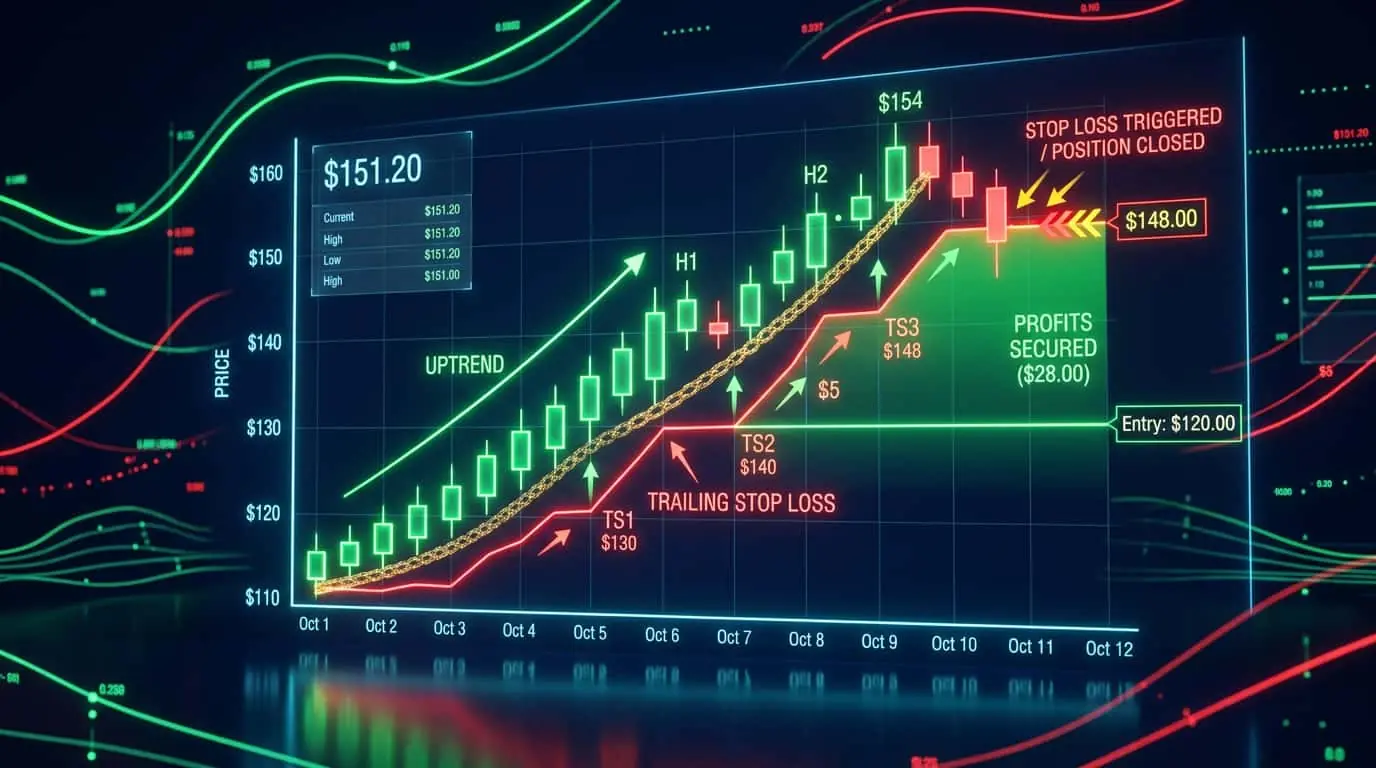
A trailing stop is a dynamic stop-loss order that automatically moves in the direction of profit as price moves favorably, but stays fixed when price moves against you. It locks in profits while allowing winners to run.
A trailing stop is a modified stop-loss order that automatically adjusts its trigger price as the market moves in your favor. Unlike a fixed stop loss that stays at the same price throughout the trade, a trailing stop follows price upward (in a long trade) or downward (in a short trade) by a specified distance. When price reverses by the trailing amount, the stop is triggered and the position is closed. The key feature is that the trailing stop only moves in one direction: toward profit. It never moves backward if the price reverses temporarily, ensuring that accumulated profits are protected. For example, if you buy at $100 with a $5 trailing stop, your initial stop is at $95. If price rises to $110, your trailing stop automatically moves to $105. If price then drops from $110 to $105, your position closes at $105 for a $5 profit instead of the original $5 loss that a fixed stop at $95 would have allowed. Trailing stops solve one of the most difficult problems in trading: the tension between locking in profits and letting winners run. Without a trailing stop, a trader must either set a fixed take-profit target (which caps upside) or manually monitor the position and decide when to exit (which introduces emotional bias). The trailing stop automates this decision by mathematically defining the maximum acceptable pullback from the peak, removing emotion from the exit process while still allowing the trade to capture extended moves.
Trailing stops come in several varieties, each with different behaviors and suitability. Fixed-distance trailing stops maintain a constant point or pip distance from the highest (or lowest) price reached. Percentage-based trailing stops use a fixed percentage of the current price. ATR-based trailing stops, sometimes called Chandelier exits, use a multiple of the Average True Range, automatically adjusting to current volatility. Moving average trailing stops use a moving average line as the trailing level, closing the position when price crosses below (for longs) or above (for shorts) the average. Bar-based trailing stops move the stop to the low of the previous bar (for longs) after each new bar closes. Parabolic SAR trailing stops use the Parabolic Stop and Reverse indicator, which accelerates the trail as the trend progresses, starting with a wide distance and progressively tightening. Each method has trade-offs between giving the trade room to breathe and locking in profits tightly. The right choice depends on your trading timeframe, the volatility of the instrument, and whether you prioritize capturing the bulk of a trend (wider trails) or protecting profits aggressively (tighter trails).
| Method | Trailing Distance | Adaptability | Best For |
|---|---|---|---|
| Fixed distance | Set number of points/pips | None, static distance | Simple strategies, beginners |
| Percentage | Fixed % of current price | Adapts to price level | Higher-priced instruments |
| ATR-based | Multiplier x ATR value | Adapts to volatility | Professional trading, trend following |
| Moving average | Below/above MA line | Adapts to trend pace | Swing trading, trend following |
| Bar-based | Prior bar low/high | Adapts to recent range | Day trading, short-term |
| Parabolic SAR | Accelerating factor | Tightens as trend extends | Trend following with progressive trailing |
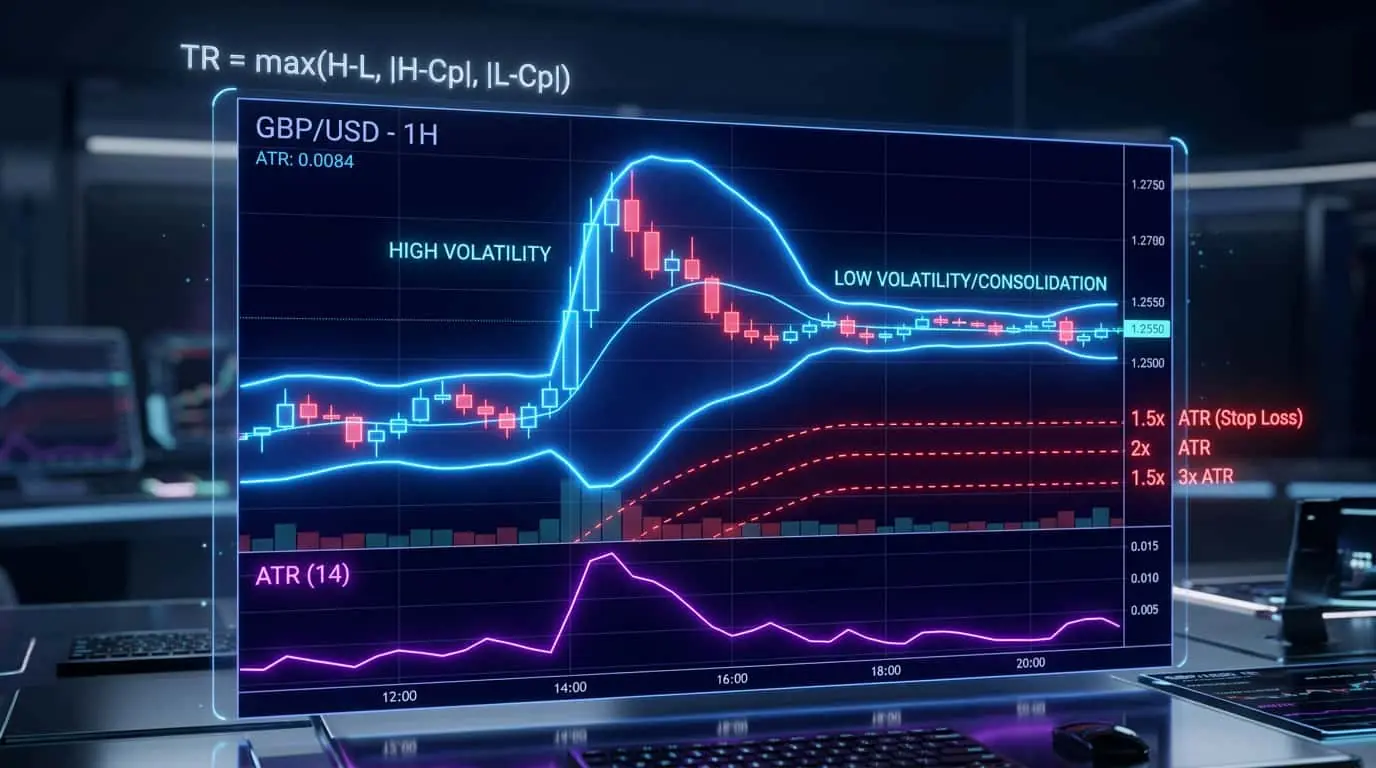
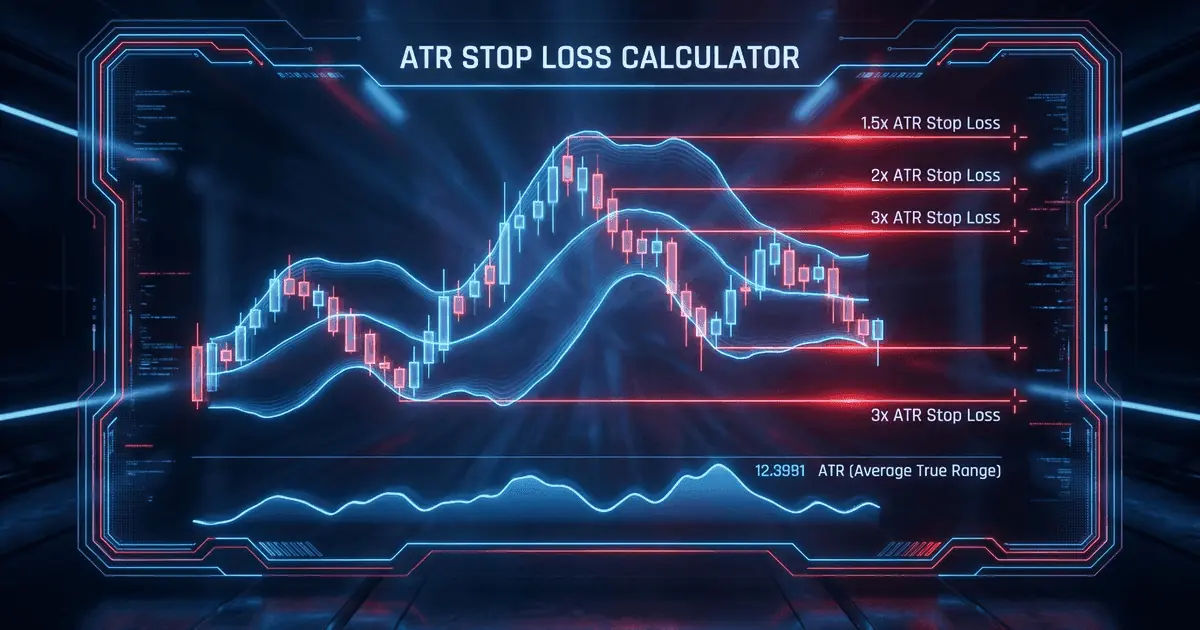
The ATR-based trailing stop, popularized by Charles Le Beau and often called the Chandelier Exit, is considered the gold standard for trailing stops by professional traders. It uses a multiple of the Average True Range subtracted from the highest high since entry (for long trades). The formula is: Trailing Stop = Highest High Since Entry minus (ATR Multiplier x ATR). A common setup uses a 3x ATR multiplier with a 22-period ATR for swing trading, or a 2x multiplier with a 14-period ATR for day trading. The beauty of this approach is that it automatically adapts to market conditions. In volatile markets, the ATR is larger, giving the trade more room to breathe. In calm markets, the ATR is smaller, locking in profits more tightly. This prevents the common problem of being stopped out of a good trade by normal volatility while still protecting profits effectively. Let us walk through a concrete calculation on the ES futures. Suppose you enter long at 5200.00 and the 14-period ATR on the daily chart is 40 points. Using a 3x ATR multiplier, your initial trailing distance is 120 points, placing the stop at 5080.00. Over the next five days, price climbs to a high of 5280.00. Your trailing stop moves to 5280.00 minus 120 = 5160.00. If the ATR decreases to 35 points during this period (because volatility is contracting during the trend), the trailing distance shrinks to 105 points, and the stop would be 5280.00 minus 105 = 5175.00, locking in even more profit. This dynamic adjustment is what makes ATR-based trailing stops superior to fixed-distance alternatives.
Trailing Stop (Long) = Highest High Since Entry - (Multiplier x ATR)Highest High — The highest price reached since entering the position
Multiplier — ATR multiplier, typically 2-3 for most strategies
ATR — Current Average True Range value
Pro Tip
Start with a wider trailing stop (3x ATR) and only tighten it after the trade has moved significantly in your favor. This gives the early part of the trade room to develop while progressively locking in profits as the move matures.
Fixed-distance trailing stops are the simplest to calculate and implement, making them ideal for beginners and for strategies where volatility consistency is not a concern. The trailing distance is set as a fixed number of ticks, points, or pips, and the stop moves by the same increment regardless of market conditions. For a long trade, the formula is: Trailing Stop = Highest Price Since Entry minus Fixed Distance. For a short trade: Trailing Stop = Lowest Price Since Entry plus Fixed Distance. On ES futures, a common fixed trailing distance for day trading is 8 to 16 ticks (2 to 4 points). Consider a long entry at 5200.00 with a 12-tick (3-point) trailing stop. The initial stop is at 5197.00. As price rises to 5205.00, the stop moves to 5202.00. If price continues to 5215.00, the stop trails to 5212.00. When price reverses from 5215.00 to 5212.00, the stop triggers and you exit with a 12-point profit. The step size can also be configured: instead of the trail moving with every tick of favorable price movement, you can set it to step in increments (for example, move the trail 4 ticks higher for every 4 ticks of new profit). This stepped approach reduces the frequency of stop modifications and prevents micromanagement of the trail in choppy conditions.
Trailing Stop (Long) = Highest Price Since Entry - Fixed DistanceHighest Price — The highest price reached since entering the long position
Fixed Distance — Constant distance in ticks, points, or pips (e.g., 12 ticks on ES)
NinjaTrader provides robust trailing stop functionality through its ATM (Advanced Trade Management) strategies. The Auto Trail feature allows you to define when trailing begins (after a specified number of ticks in profit), the trail stop type (fixed ticks or percentage), the trail step size (how many ticks of new profit must accumulate before the stop moves), and the trail frequency. To configure an ATM trailing stop in NinjaTrader, open the ATM Strategy Parameters window, set the Stop Loss distance and type, then enable Auto Trail. Set the Profit Trigger (how many ticks of profit before trailing starts), the Trail Stop Type, and the Trail Step (how many ticks the stop moves with each adjustment). Once saved as a template, this ATM strategy can be applied to any trade with a single click. NinjaTrader also supports more advanced trailing through NinjaScript custom strategies. With NinjaScript, you can implement any trailing logic imaginable: ATR-based Chandelier exits, Parabolic SAR trails, moving average trails, or custom hybrid approaches that combine multiple methods. The SetTrailStop() method provides basic trailing stop functionality, while custom trail logic can be implemented in the OnBarUpdate() method by dynamically adjusting the stop price using SetStopLoss(). For traders who do not write code, the NinjaTrader ecosystem includes many third-party ATM templates and indicators that implement advanced trailing stop methods out of the box.
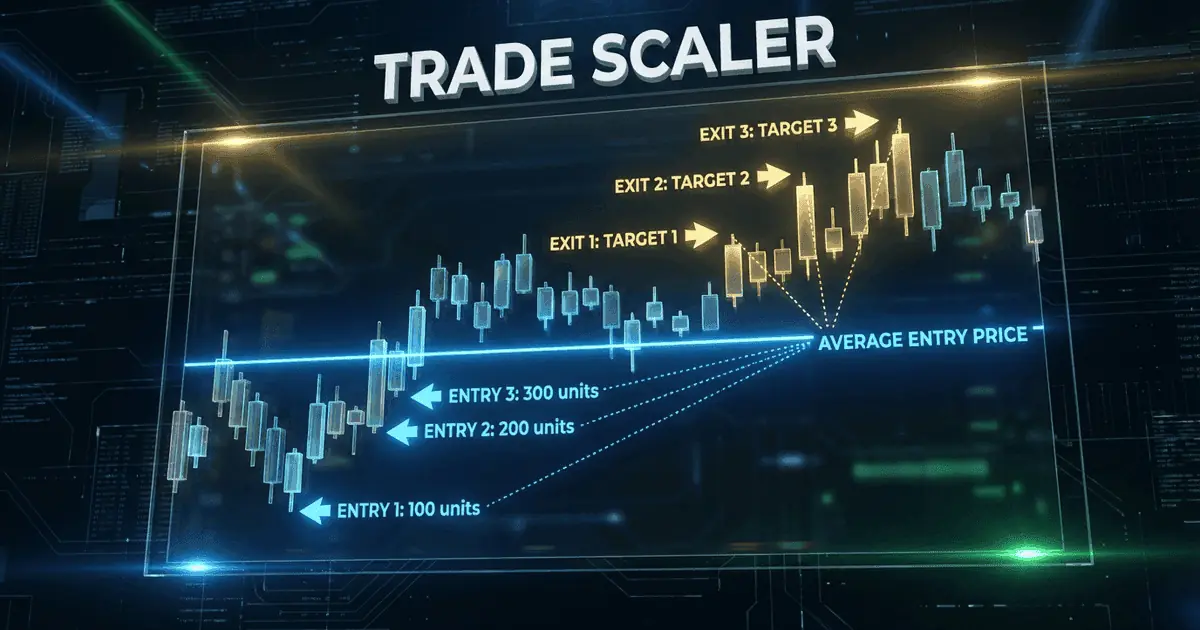
One of the most important decisions in trailing stop management is when to begin trailing. Starting too early risks getting stopped out during the initial volatility of a new trade. Starting too late means giving back too much profit before the trail activates. Many professional traders use a staged approach: they start with a fixed stop loss and only begin trailing after the trade has reached a predetermined profit threshold, such as 1R (one unit of initial risk) or the first take-profit target. For example, if your initial risk is 20 points, you might keep the fixed stop until the trade is 20 points in profit, then switch to a trailing stop. Another approach is to move the stop to break-even after the trade reaches 1R, then begin trailing from that break-even point. NinjaTrader's ATM strategies support this staged approach, allowing you to define custom stop management rules that automatically transition from fixed to trailing stops based on profit conditions. A well-designed staging plan might look like this for an ES futures day trade: enter long at 5200.00 with a fixed stop at 5190.00 (10 points risk, 1R = $500). When profit reaches 10 points (5210.00, 1R), move the stop to 5200.00 (break-even). When profit reaches 16 points (5216.00), begin trailing with an 8-point trail. This staged approach protects you during the vulnerable early phase, eliminates risk at 1R, and then progressively locks in profits as the trade matures.
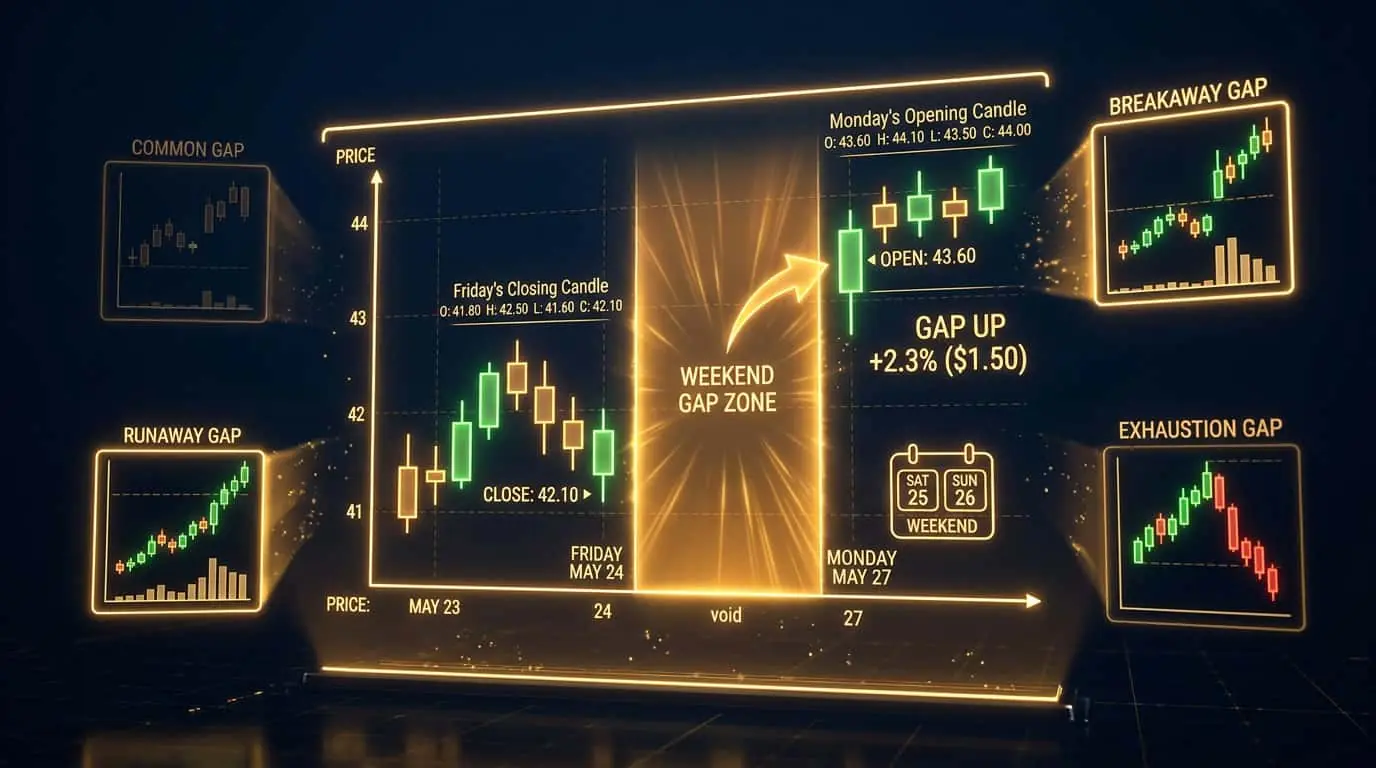
Trailing stops are powerful but imperfect. The biggest pitfall is setting the trail too tight, which results in being stopped out during normal market noise and missing the larger move. Studies consistently show that wider trailing stops produce higher total returns than tight ones, even though individual exit prices are further from the peak. Another issue is the gap problem: in markets that gap (stocks overnight, futures on weekends), the trailing stop may be triggered at a price significantly worse than the stop level. Trailing stops also do not account for time. A trend that is clearly exhausting (declining volume, bearish divergence on RSI) may warrant a manual exit before the trailing stop triggers. Some traders address this by combining a trailing stop with discretionary management, using the trail as a safety net while actively managing the position based on market conditions. The trailing stop ensures you capture some profit if you are not watching the screen, while discretionary exits potentially capture more profit when you are actively monitoring. A common mistake specific to NinjaTrader users is forgetting to account for the difference between last-traded price and bid/ask price when setting tight trails. If your trailing stop is 4 ticks and the bid-ask spread is 1 tick, the effective trailing distance is only 3 ticks from the worst-case fill, which is often too tight for liquid futures. Always set your trailing distance based on the instrument's typical noise, not just a round number that looks comfortable.
Mistake
Setting the trailing stop too tight
Correction
A too-tight trailing stop gets hit by normal market fluctuations, kicking you out of potentially large winning trades. Use at least 2x ATR as your trailing distance and increase it for higher timeframes or more volatile markets.
Mistake
Trailing from the moment of entry
Correction
Give the trade room to develop by using a fixed stop initially. Switch to a trailing stop only after the trade has reached a meaningful profit level (at least 1R) or after moving the stop to break-even.