TL;DR
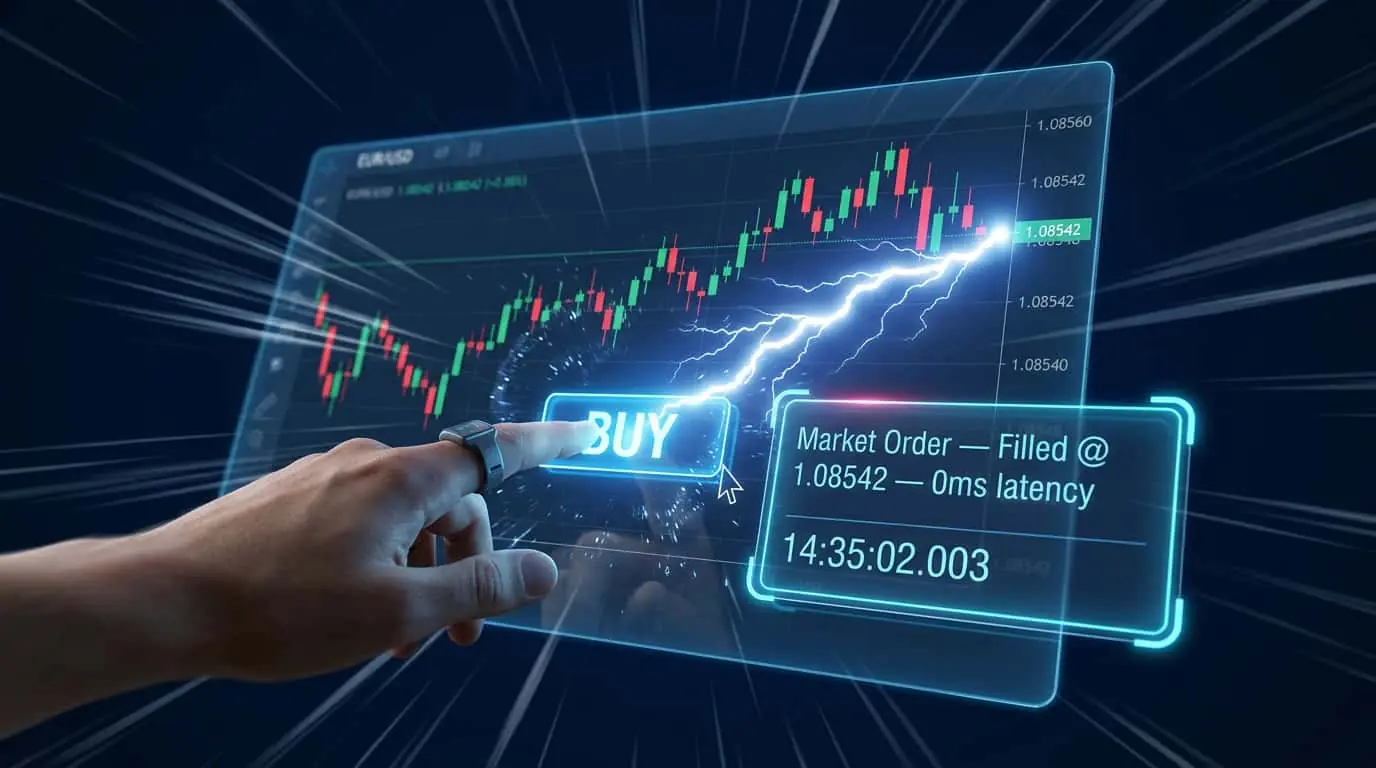
A market order is an instruction to buy or sell immediately at the best available price. It guarantees execution but not price, making it the fastest order type but subject to slippage in fast-moving or illiquid markets.
A market order is the simplest and most common type of trading order. It instructs your broker to buy or sell a security immediately at the current best available price. When you place a market order to buy, you are matched with the lowest available ask price. When you place a market order to sell, you are matched with the highest available bid price. Market orders guarantee execution but do not guarantee a specific price. In liquid markets with tight spreads, such as the E-mini S&P 500 (ES) futures or major forex pairs, market orders typically fill at or very near the quoted price. In less liquid markets or during periods of high volatility, the fill price may differ from the quoted price due to slippage. Market orders are the default order type for most trading platforms, including NinjaTrader, because they prioritize speed of execution above all else. Every new trader should master market orders first because they form the foundation of order entry. Understanding how a market order interacts with the order book, how fills are reported, and how slippage affects your bottom line will make you a better trader regardless of which order types you ultimately prefer. Market orders also play a critical role in automated strategies and algorithmic trading, where execution certainty is often more valuable than saving a tick on the fill price.
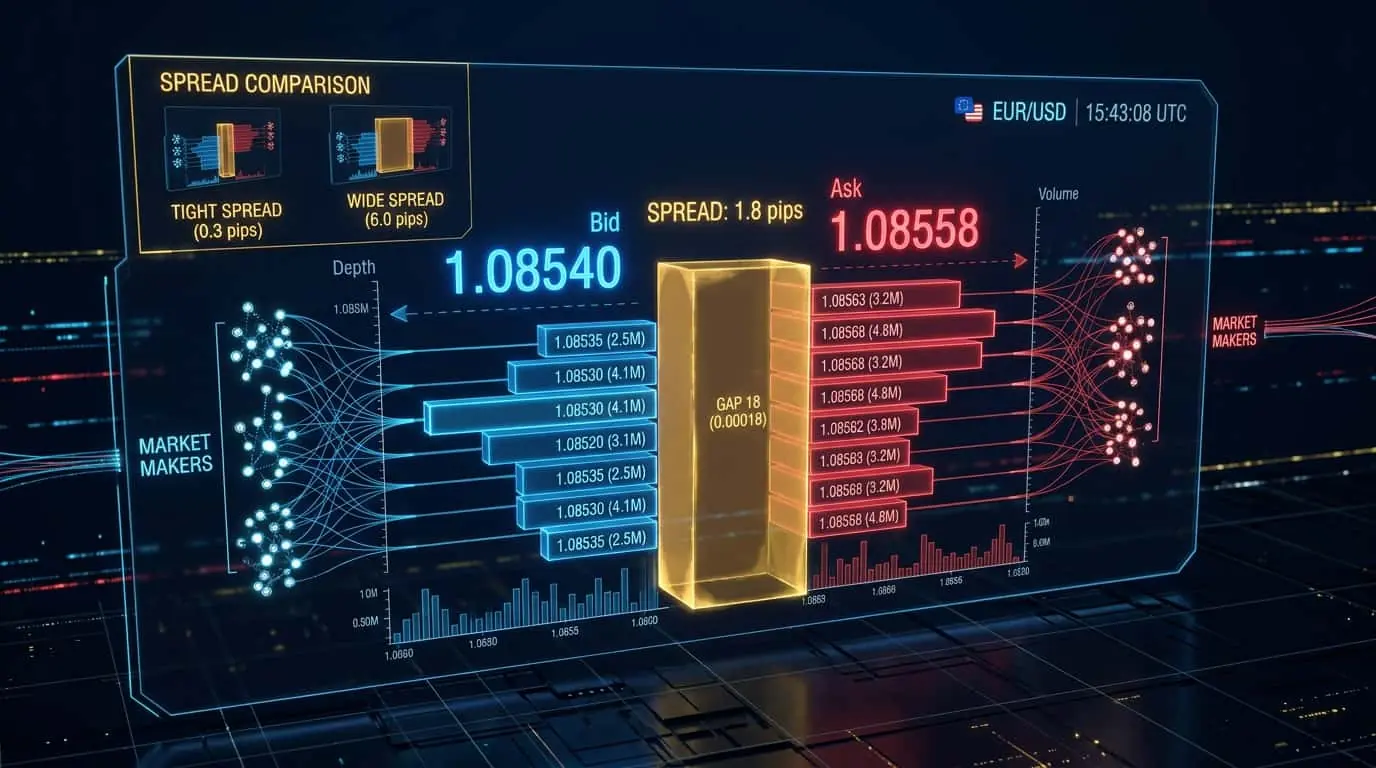
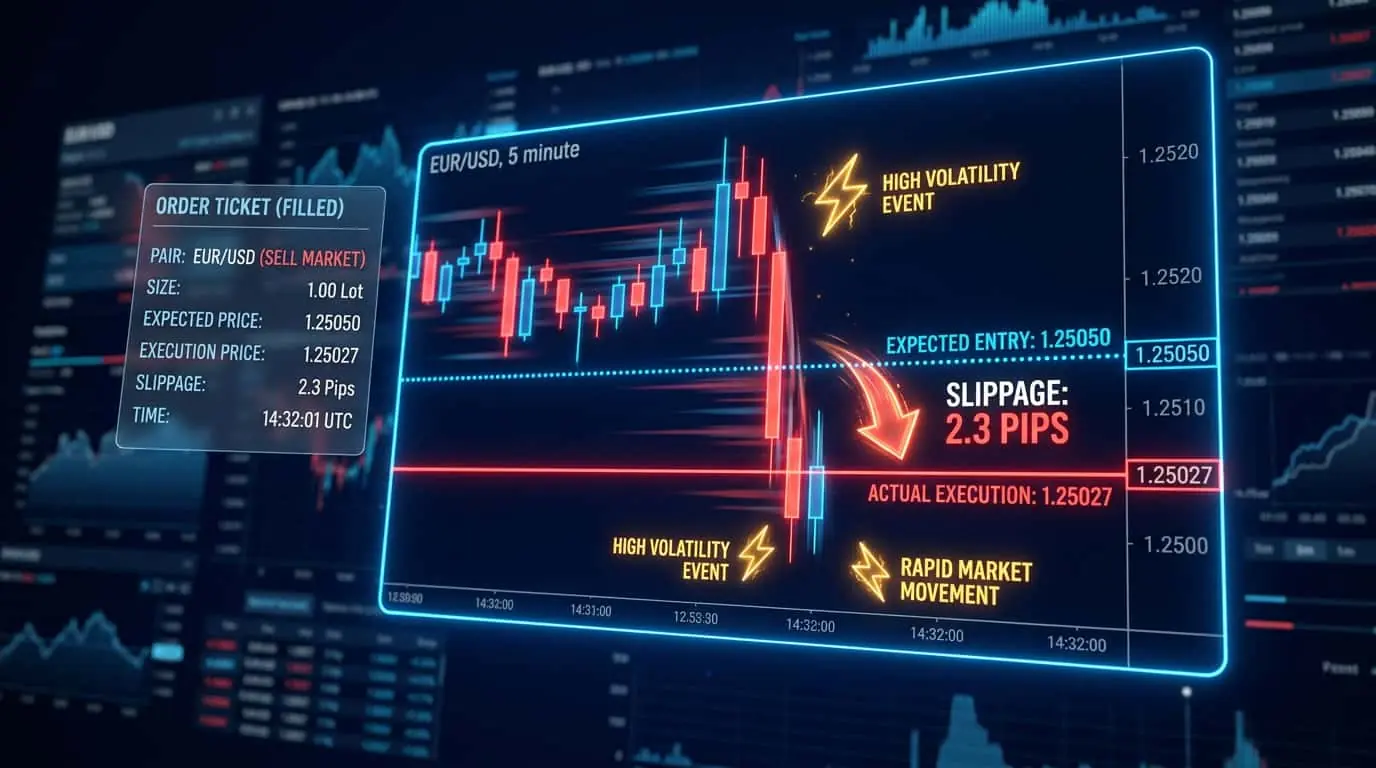
When you submit a market order, it enters the exchange's order matching engine and is immediately paired with the best available opposing order in the order book. For a market buy order, the matching engine looks for the lowest available ask price. If there is sufficient volume at that price to fill your entire order, you receive a complete fill at that single price. If there is not enough volume, the remaining quantity fills at the next best price, and so on, until your entire order is filled. This process happens in microseconds on modern exchanges. The difference between the price you expected and the price you actually received is called slippage. Slippage can be positive (better price than expected), negative (worse price), or zero. In highly liquid markets during regular trading hours, slippage on standard-sized orders is typically minimal, often just one tick. Consider a real-world example on the ES futures contract. Suppose the current order book shows 150 contracts at the ask of 5200.25, 80 contracts at 5200.50, and 45 contracts at 5200.75. If you submit a market buy for 1 contract, you fill instantly at 5200.25 with zero slippage. If you submit a market buy for 200 contracts, the first 150 fill at 5200.25, the next 50 fill at 5200.50, and you experience an average fill price of approximately 5200.31, paying about 0.06 points of slippage. This walk-up-the-book effect is why large traders must be especially mindful of order book depth before sending market orders.
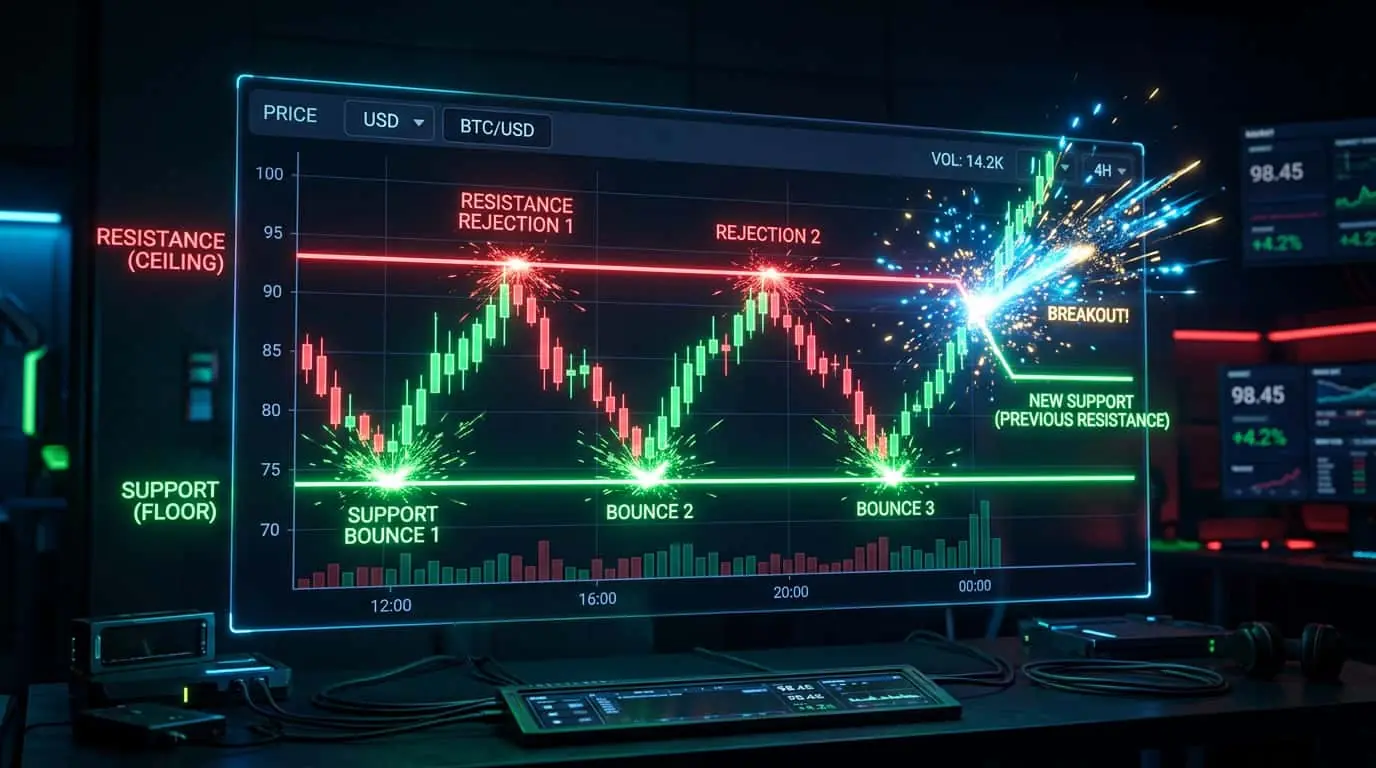
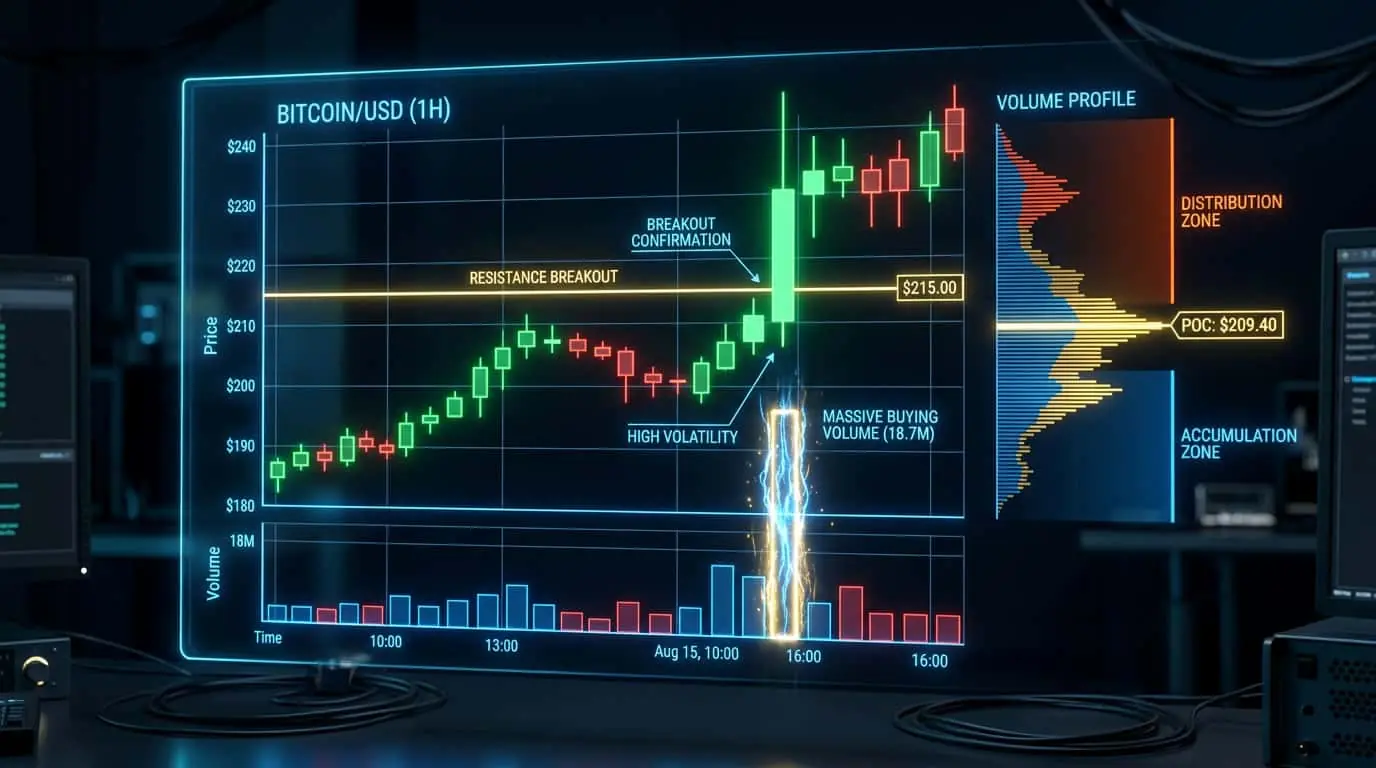
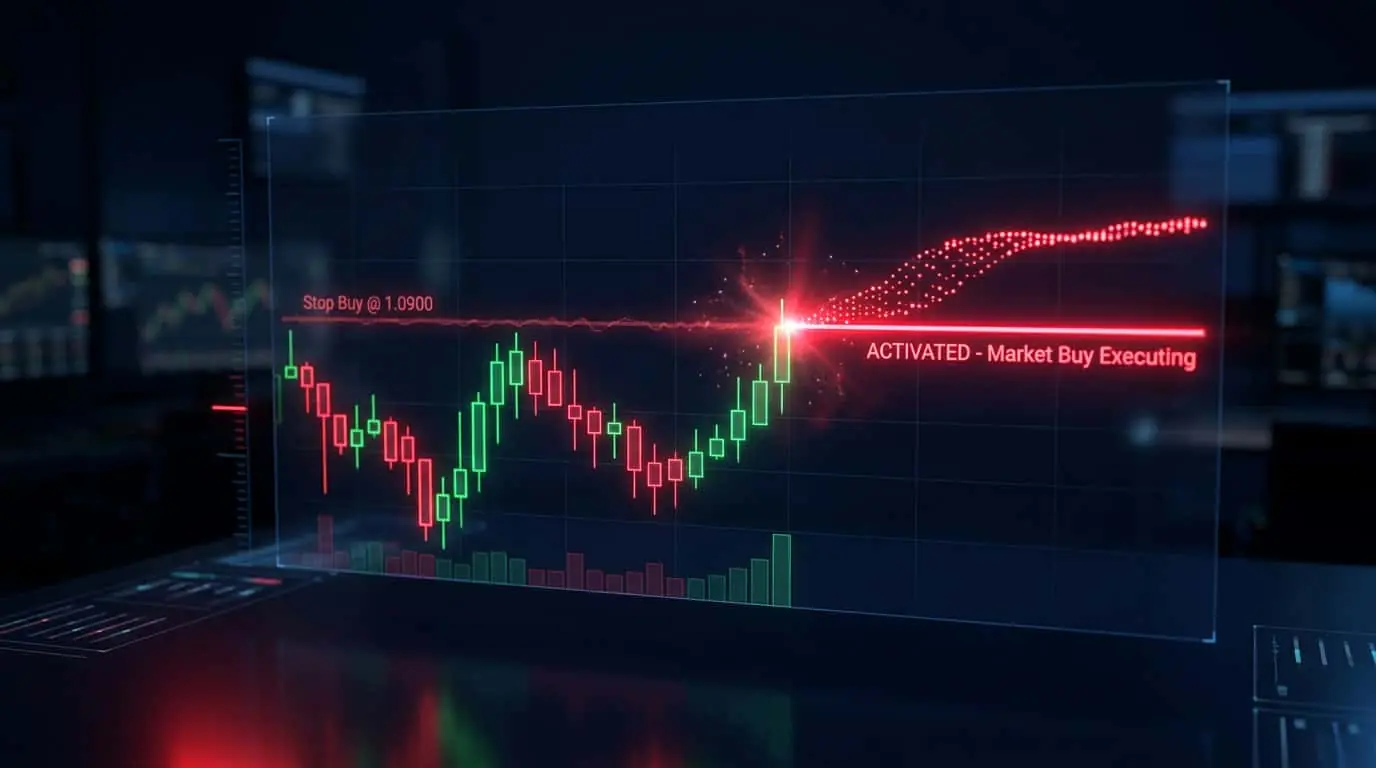
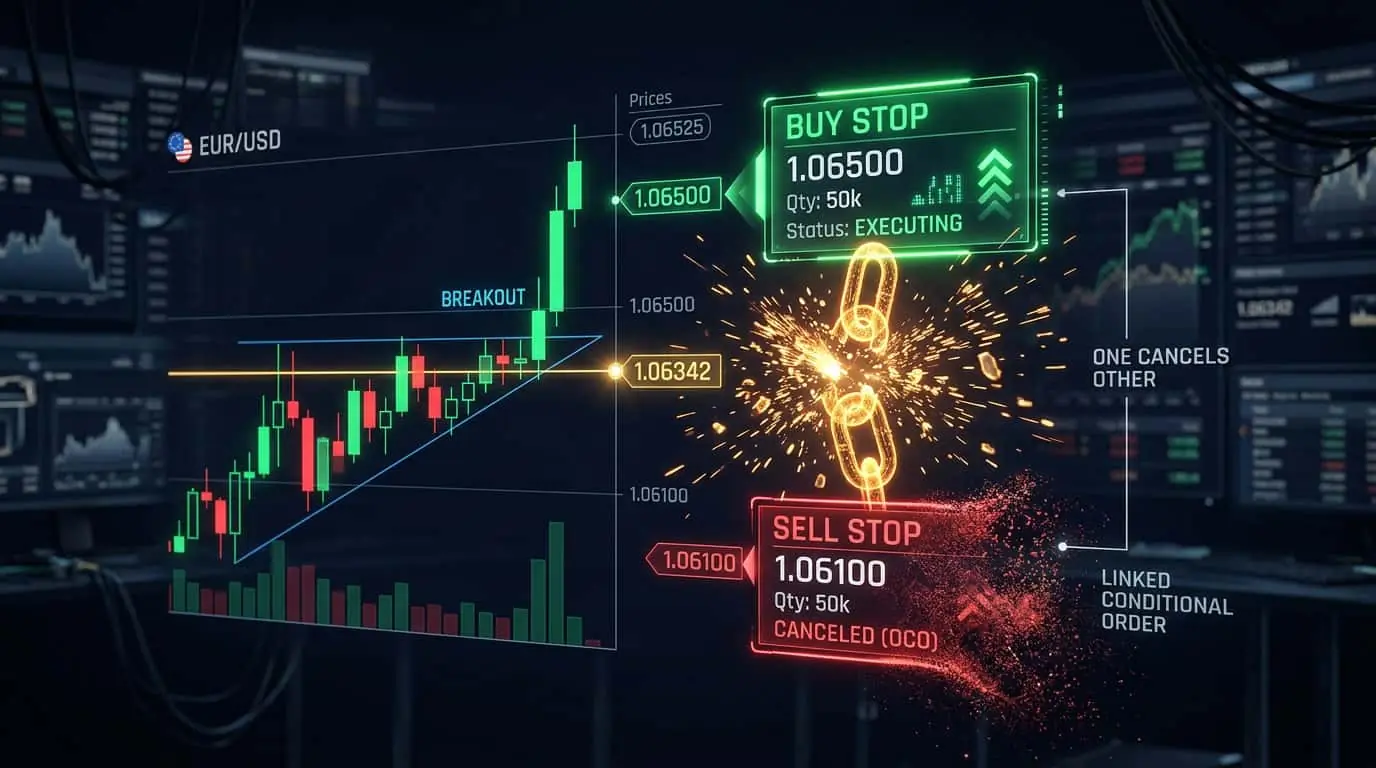
Market orders are ideal when execution speed is more important than price precision. The most common scenarios include exiting a losing trade when your stop level is hit and you need to get out immediately, entering a breakout trade when price is moving quickly through a key level and you cannot afford to miss the entry, closing a position before a major news event or market close, and scaling out of a winning position when you want to lock in profits without delay. Day traders and scalpers use market orders frequently because in fast-moving markets, the cost of missing a trade by using a limit order often exceeds the small slippage cost of a market order. Position traders and swing traders, who hold for days or weeks, are less sensitive to a tick or two of slippage and often use market orders for convenience. Consider a breakout scenario on the NQ (Nasdaq 100 E-mini) futures: price consolidates in a 20-point range between 18,400 and 18,420 for two hours. When price breaks above 18,420 with strong volume, a trader who places a limit buy at 18,420 may never get filled because price rockets to 18,440 within seconds. A market order at the moment of breakout fills immediately, perhaps at 18,422 with 2 points of slippage, but the trader captures a 20-point move. The 2-point slippage cost is trivial compared to the 20-point gain that a limit order would have missed entirely.
| Scenario | Why Market Order? | Alternative |
|---|---|---|
| Emergency exit | Speed is critical to limit losses | No alternative, must exit now |
| Breakout entry | Price is moving fast, limit may not fill | Buy stop or sell stop order |
| High liquidity market | Slippage is minimal, convenience is high | Limit order (saves 1 tick) |
| Before news event | Must be flat before announcement | No alternative for immediate exit |
| Scalping | 1-tick slippage is acceptable for speed | Limit order if queue position is favorable |
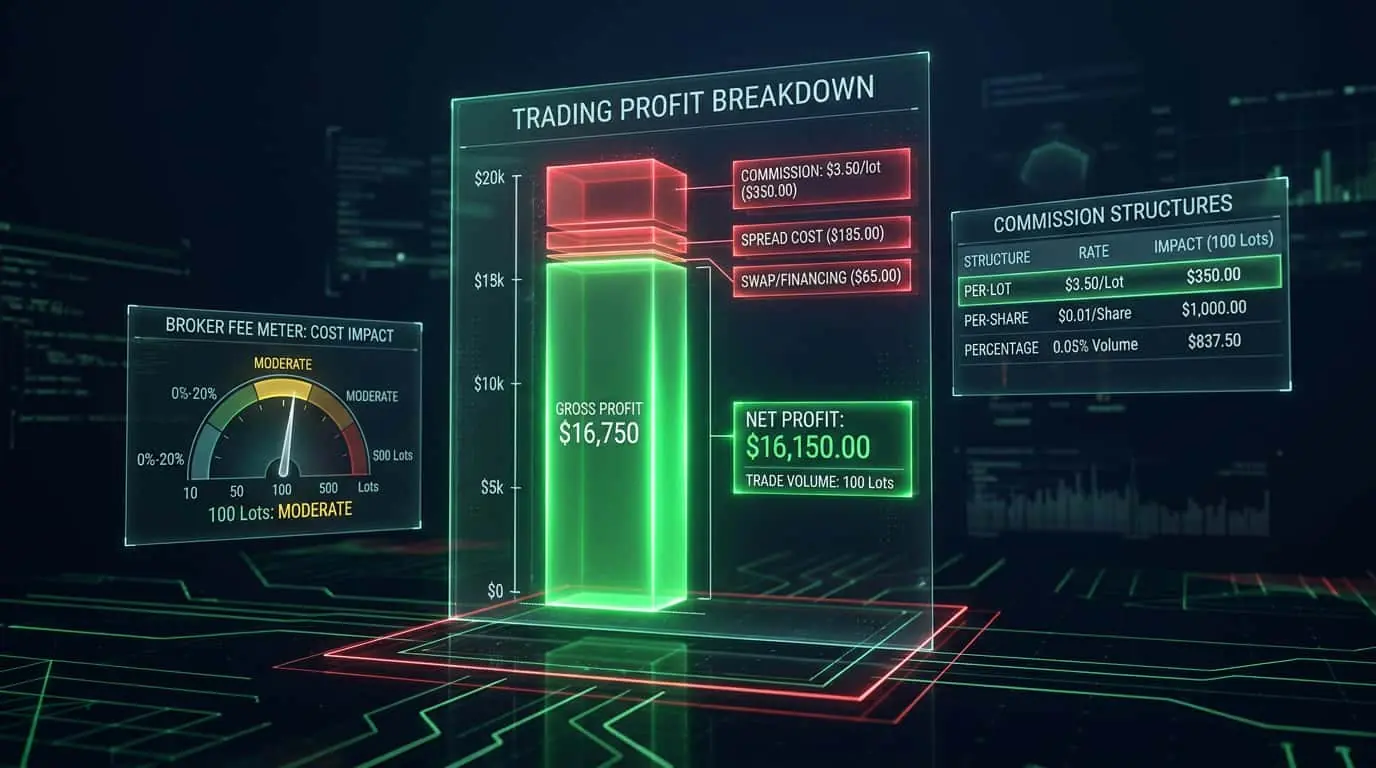
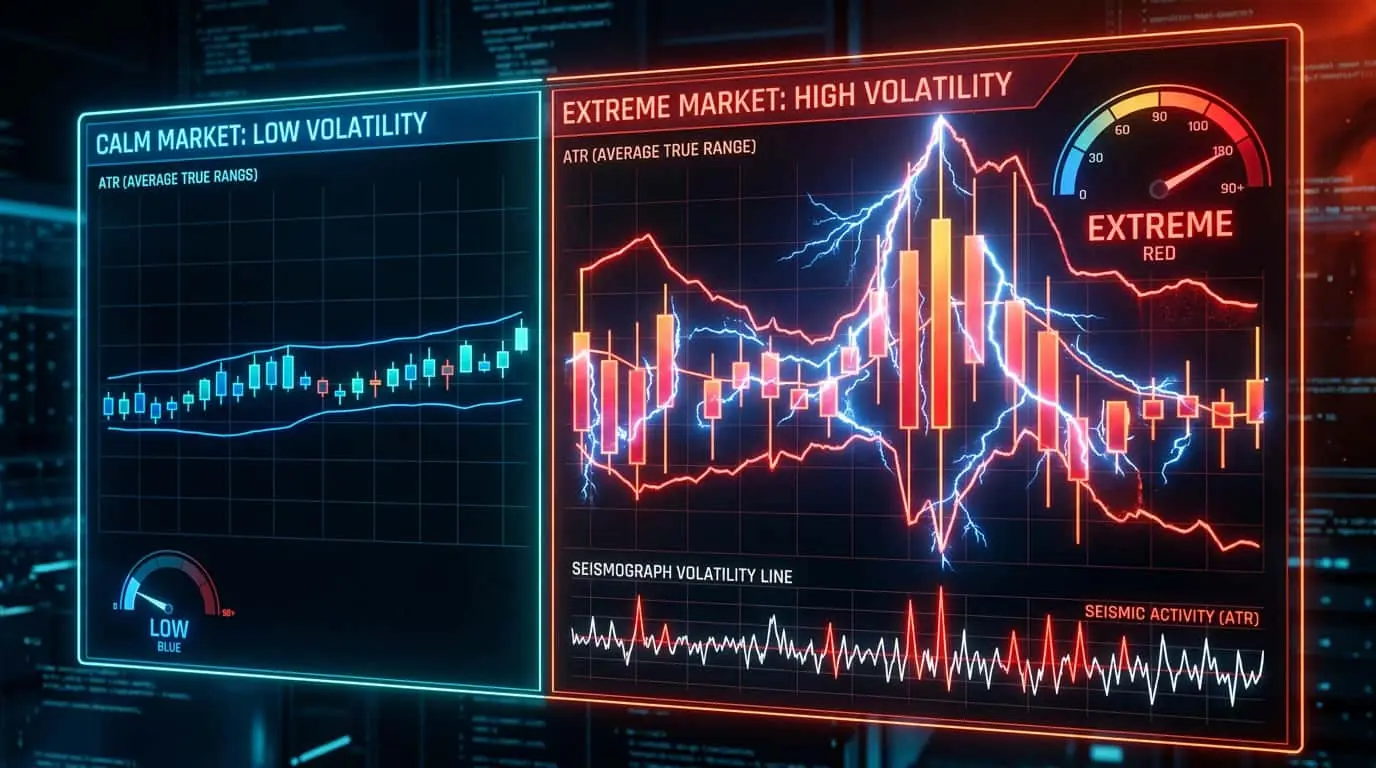
Slippage is the primary cost of using market orders beyond the bid-ask spread. In liquid markets like ES futures during regular trading hours, slippage on a 1-lot order is typically 0 to 1 tick. In less liquid markets or during off-hours, slippage can be several ticks or more. During major news events, slippage can be extreme because the order book thins out as market makers pull their quotes. The total cost of a market order is the spread plus any slippage. For example, if the ES bid/ask is 5000.00/5000.25, a market buy fills at 5000.25 (the ask). If there is 1 tick of slippage, you fill at 5000.50, paying the spread plus 1 tick. Over hundreds of trades, even small slippage amounts add up significantly. A trader who makes 200 trades per month with 1 tick of slippage at $12.50 per tick on ES is losing $2,500 per month to slippage alone. This is why many active traders use limit orders when possible. To put slippage costs into perspective, consider three different instruments. On the ES (E-mini S&P 500), the minimum tick is 0.25 points worth $12.50. On the NQ (E-mini Nasdaq 100), the minimum tick is 0.25 points worth $5.00. On Crude Oil futures (CL), the minimum tick is 0.01 points worth $10.00. A trader averaging 2 ticks of slippage per round-trip trade across 100 monthly trades would lose $2,500/month on ES, $1,000/month on NQ, or $2,000/month on CL. These hidden costs erode profitability and must be factored into any strategy's expected performance.
Pro Tip
In NinjaTrader, you can see the order book depth (Level II data) in the SuperDOM before placing a market order. If you see thin volume at the best bid or ask, your market order is more likely to experience slippage. Consider using a limit order instead or reducing your order size. You can also use the Market Replay feature to practice placing market orders in historical sessions without risking real capital.
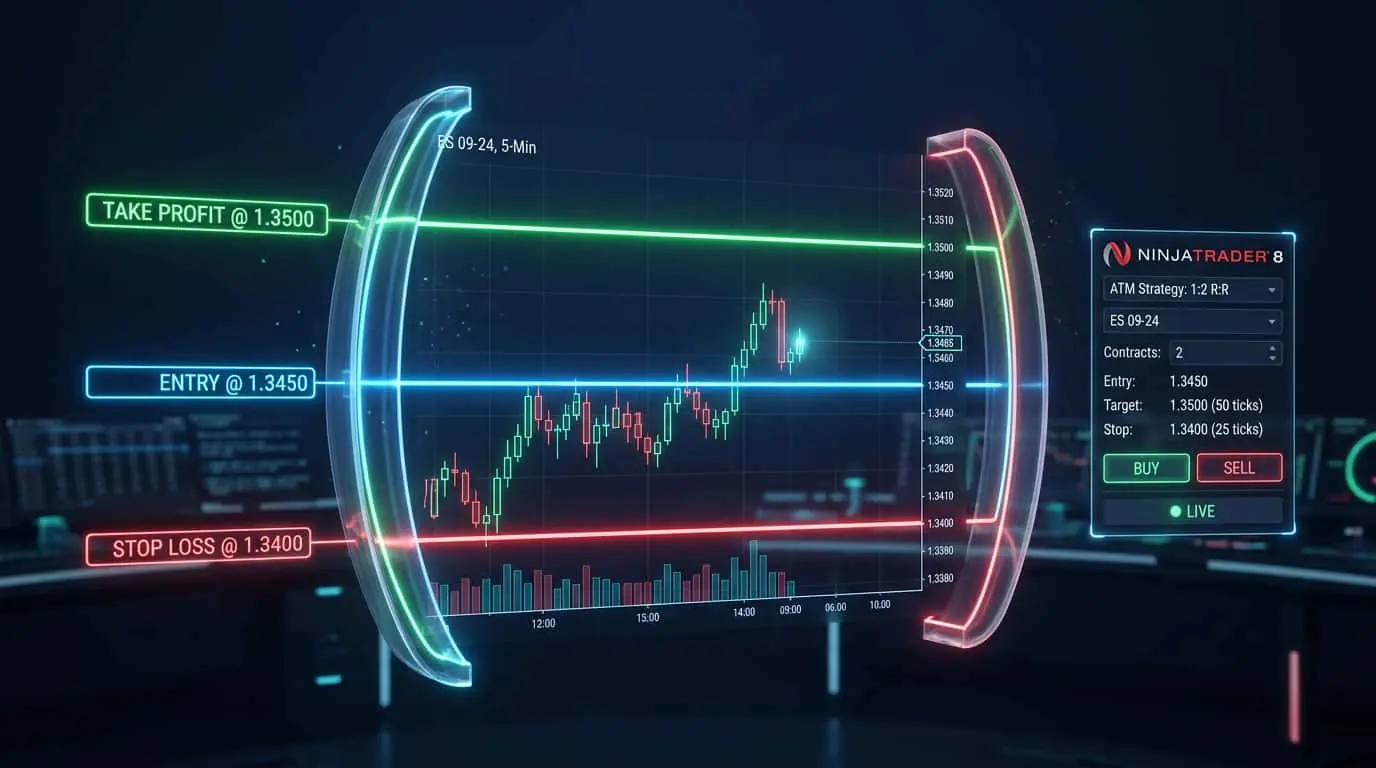
NinjaTrader provides multiple ways to submit market orders, each suited to different trading styles. The Chart Trader panel allows you to click a Buy Market or Sell Market button directly on the chart, which is convenient for discretionary traders who analyze price action visually. The SuperDOM (Super Dynamic Order Matrix) is the preferred tool for active futures traders: clicking the ask column places a buy market order, and clicking the bid column places a sell market order. The SuperDOM also displays real-time order book depth so you can gauge potential slippage before clicking. For keyboard-centric traders, NinjaTrader supports hot keys that can be configured to submit market orders with a single keystroke, reducing latency to the absolute minimum. When combined with ATM (Advanced Trade Management) strategies, a single market order click automatically attaches a stop loss and take profit bracket, creating a fully managed trade in one action. NinjaScript developers can also submit market orders programmatically using the EnterLong() and EnterShort() methods in custom strategies, enabling fully automated market order execution based on indicator signals or price patterns. Additionally, the NinjaTrader Control Center logs every order submission, fill, and cancellation, providing a complete audit trail for reviewing market order execution quality after the session.
Although market orders are designed for immediate execution, the concept of order duration (time-in-force) can still apply in certain situations, particularly when a market order cannot be filled immediately due to trading halts, pre-market submission, or exchange-specific rules. The most common duration variants are DAY, GTC (Good Till Canceled), IOC (Immediate or Cancel), and FOK (Fill or Kill). A DAY market order, if submitted while the market is closed, will execute at the next open. A GTC market order is unusual since market orders fill immediately, but some platforms allow GTC on contingent orders that become market orders when triggered. IOC (Immediate or Cancel) is particularly relevant for large market orders: it fills whatever quantity is immediately available and cancels the remainder, preventing you from chasing price through multiple levels. FOK (Fill or Kill) requires the entire order to fill at once or not at all, which protects against partial fills but may result in no execution if the order book cannot absorb the full size at the current price. Understanding these variants helps you fine-tune market order behavior for specific trading scenarios and risk tolerances.
| Duration | Behavior | Use Case |
|---|---|---|
| DAY | Valid for current session only | Standard intraday market orders |
| GTC | Remains until filled or canceled | Rare for pure market orders; used with contingent triggers |
| IOC | Fill available quantity, cancel rest | Large orders to avoid excessive slippage |
| FOK | Fill entire order instantly or cancel | All-or-nothing execution requirement |
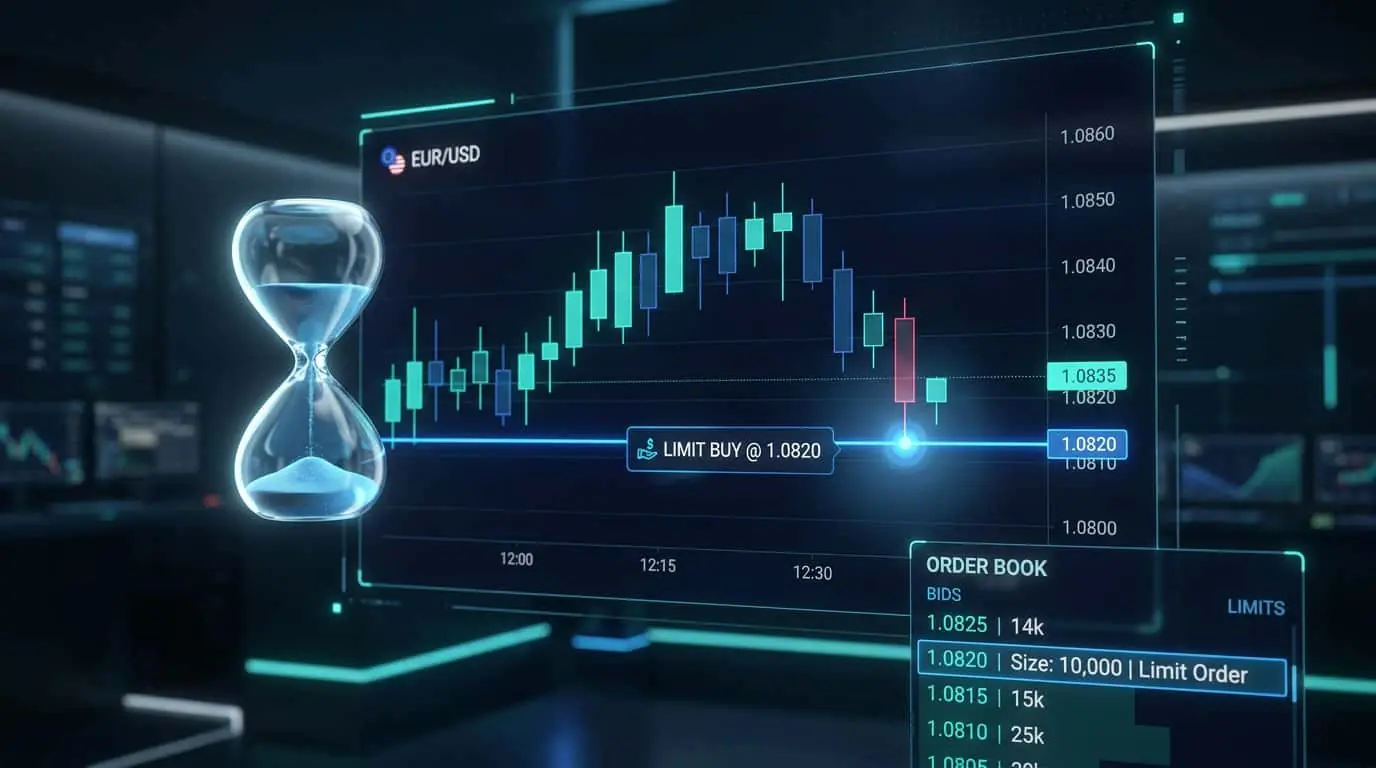
The choice between market and limit orders is one of the most fundamental decisions in trading. Market orders guarantee execution but not price, while limit orders guarantee price but not execution. Market orders are better when you must enter or exit a position immediately, such as during a fast breakout or when managing risk on a losing trade. Limit orders are better when you can afford to wait for a specific price and are willing to risk not being filled. Many professional traders use a hybrid approach: limit orders for entries (to get a precise price) and market orders for exits (to ensure they get out when needed). On NinjaTrader, you can place limit orders directly on the chart using Chart Trader, set them in the SuperDOM (depth of market), or use ATM strategies that combine both order types for automated trade management. A practical comparison illustrates the trade-off clearly. Suppose you want to buy 2 ES contracts at a support level of 5150.00. A limit buy at 5150.00 costs nothing in slippage but risks non-execution if price bounces at 5150.25. A market buy when price touches 5150.25 guarantees you are in the trade but costs 1 tick ($12.50 per contract) of slippage. Over 100 such trades, the limit approach saves $2,500 in slippage but might miss 30 trades that would have been profitable. The optimal choice depends on your strategy's win rate, average winner size, and how often missed fills result in missed winners.
| Factor | Market Order | Limit Order |
|---|---|---|
| Execution guarantee | Yes, always fills | No, may not fill if price does not reach level |
| Price guarantee | No, subject to slippage | Yes, fills at specified price or better |
| Speed | Instant | Depends on market reaching your price |
| Slippage risk | Yes, especially in low liquidity | None |
| Opportunity cost | None, you are always in the trade | May miss trades if market reverses before filling |
| Best for exits | Preferred for stop losses | Preferred for take profits |
Mistake
Using market orders in illiquid markets or during off-hours
Correction
Check the bid-ask spread and order book depth before placing a market order. If the spread is wide or volume is thin, use a limit order instead to avoid excessive slippage.
Mistake
Placing large market orders without checking order book depth
Correction
View Level II or depth of market data before placing large orders. If your order size exceeds the volume at the best price, split it into smaller orders or use a limit order to control your fill price.