TL;DR
An OCO (One-Cancels-Other) order links two separate orders so that when one fills, the other is automatically canceled. Traders use OCO for breakout setups (buy stop + sell stop), exit management (stop loss + take profit), and trading range breakouts in either direction.
An OCO (One-Cancels-Other) order is a pair of linked conditional orders where the execution of one automatically cancels the other. This ensures that only one of the two orders can ever be filled, preventing the trader from accidentally holding two conflicting positions. The most common use is pairing a stop loss with a take profit on an existing position: when the take profit fills, the stop loss is canceled, and vice versa. OCO orders are the mechanism that powers the exit side of bracket orders. However, OCO orders can also be used independently for entry purposes, such as placing a buy stop above resistance and a sell stop below support simultaneously. Whichever direction the market breaks first, that order fills and the other is canceled. This makes OCO orders invaluable for strategies that need to react to the first of two possible market scenarios without requiring the trader to watch the screen constantly. The concept of linked, mutually exclusive orders has been a cornerstone of electronic trading since the earliest order management systems. Before OCO automation, traders had to manually cancel the remaining order after one side filled, a process that was error-prone and slow. Modern OCO implementations handle this linkage at the platform level, with some exchanges supporting native OCO at the matching engine level for even faster cancellation. Understanding OCO mechanics is essential for any trader who wants to automate exit management or implement directional breakout strategies.
An OCO order consists of two individual orders linked by the trading platform or exchange. Both orders are live and waiting to be triggered or filled. The link between them creates a dependency: when either order receives a fill (partial or complete), the platform immediately sends a cancel request for the other order. The cancellation typically happens within milliseconds on electronic exchanges. There is a small but important risk called the legging risk: in extremely fast markets, both orders could potentially fill before the cancellation of the second order processes. Most modern trading platforms, including NinjaTrader, handle OCO logic reliably, but traders should be aware of this theoretical risk in extremely volatile conditions. OCO orders can combine any two order types: two limit orders, two stop orders, a limit and a stop, or any other combination that suits your trading strategy. The internal mechanism works as follows: when the platform detects a fill confirmation on Order A, it immediately sends a cancel request for Order B. The cancel request is processed by the exchange, and if Order B has not yet been filled or triggered, it is removed from the order book. If Order B has already been triggered or partially filled in the milliseconds between the fill of Order A and the cancel request, the legging scenario occurs. In practice, this is extremely rare on standard-sized retail orders but becomes more relevant for institutional-sized orders or during extreme volatility events like flash crashes.
The most common use of OCO orders is managing trade exits. After entering a position, you place a stop loss and a take profit as an OCO pair. This is the exit component of every bracket order. For a long position, the stop loss is a sell stop order placed below entry, and the take profit is a sell limit order placed above entry. These two orders are linked as an OCO: if the take profit fills (price rises to your target), the stop loss is automatically canceled. If the stop loss fills (price drops to your stop), the take profit is automatically canceled. Without OCO linking, you would need to manually cancel the remaining order, which introduces the risk of forgetting, being away from the screen, or acting too slowly. OCO eliminates this risk entirely and is the reason professional traders can confidently step away from the screen after entering a properly managed trade. Consider a concrete example: you enter long 2 ES contracts at 5200.00 with a stop loss at 5190.00 (sell stop-market) and a take profit at 5220.00 (sell limit), linked as an OCO pair. During the lunch hour, you step away from your desk. Price drops to 5190.00, triggering your stop loss. Both contracts sell at 5190.00, and the sell limit at 5220.00 is immediately canceled. Your loss is limited to 10 points per contract ($500 total). Without OCO, the sell limit at 5220.00 would remain active. If price subsequently rallies to 5220.00, the orphaned sell limit would execute, creating a new short position of 2 contracts that you did not intend, exposing you to unlimited risk.
Pro Tip
In NinjaTrader, OCO exit management is handled automatically when you use ATM strategies. Every ATM strategy creates an OCO pair between the stop loss and take profit. If you are placing orders manually without ATM, make sure to link your stop and target as OCO to prevent orphaned orders.
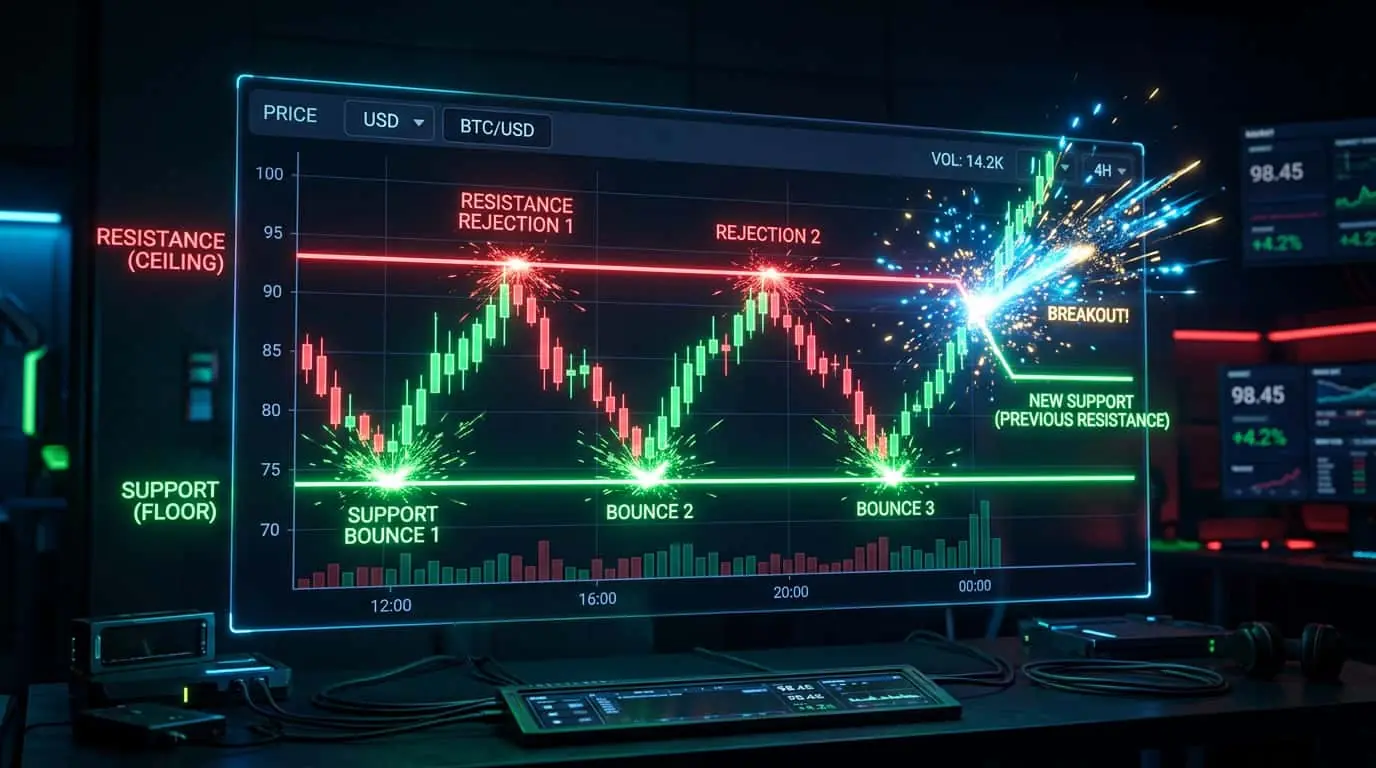
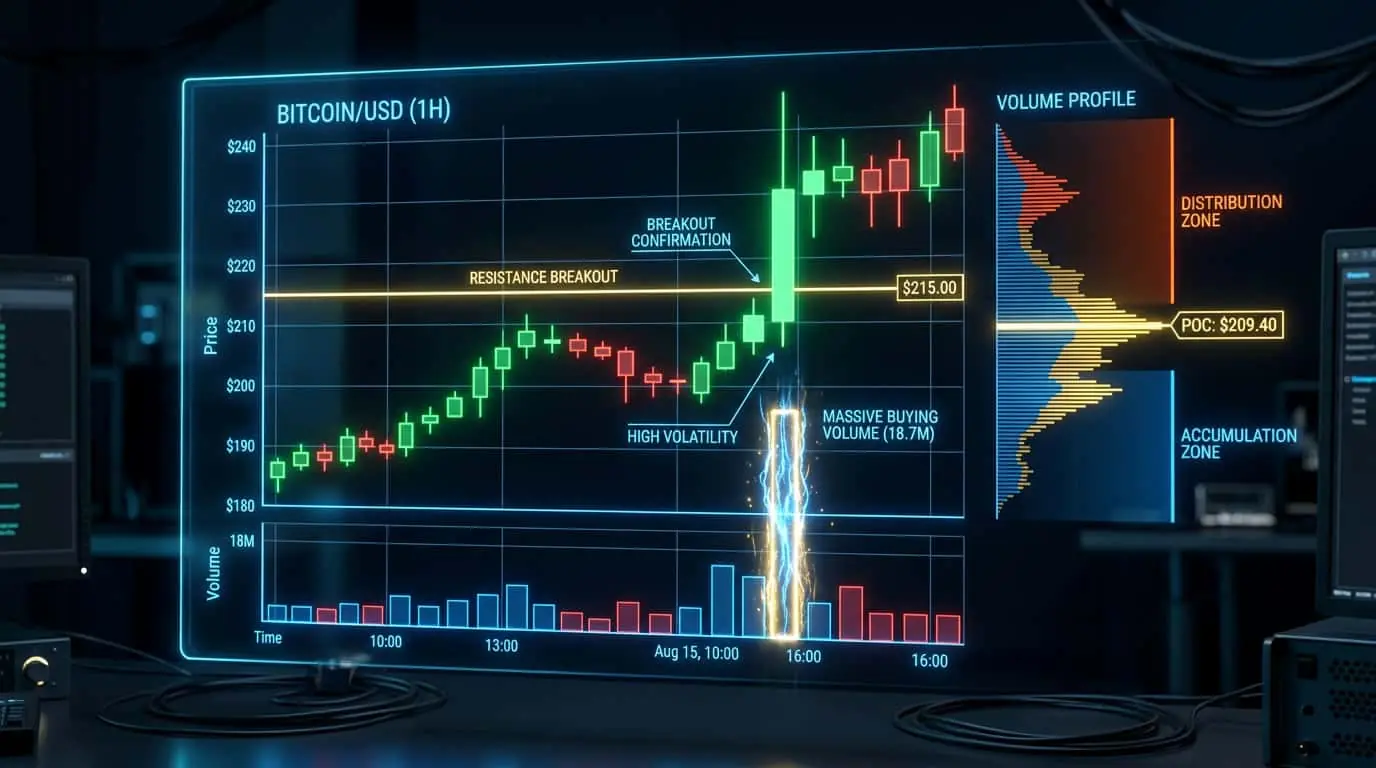
OCO orders are particularly powerful for breakout trading strategies where you want to enter a trade in whichever direction the market breaks first. Place a buy stop order above a key resistance level and a sell stop order below a key support level as an OCO pair. If the market breaks above resistance, your buy stop triggers and the sell stop is canceled, entering you long in the direction of the upside breakout. If the market breaks below support, your sell stop triggers and the buy stop is canceled, entering you short in the direction of the downside breakdown. This strategy is especially effective during consolidation periods, before major news events, or when a chart shows a clear range with well-defined support and resistance. Each side of the OCO can include its own bracket order (stop loss and take profit), creating a complete pre-planned trade regardless of which direction the market moves. A detailed example illustrates the power of this approach. ES futures have been trading in a tight range between 5180.00 (support) and 5200.00 (resistance) for four hours. You place an OCO entry: a buy stop at 5200.50 (with ATM: stop loss at 5190.50, target at 5220.50) and a sell stop at 5179.50 (with ATM: stop loss at 5189.50, target at 5159.50). At 2:00 PM ET, FOMC minutes are released. Price spikes to 5205.00, triggering your buy stop at 5200.50. The sell stop at 5179.50 is immediately canceled. Your long position is now fully bracketed with a 10-point stop and a 20-point target. Price continues to 5225.00, hitting your take profit for a 20-point gain ($1,000 per contract). The entire trade was pre-planned, and you did not need to make any decisions during the volatile FOMC reaction.
| Scenario | OCO Configuration | What Happens |
|---|---|---|
| Range breakout | Buy stop above range + Sell stop below range | Enter in breakout direction, cancel opposite |
| Triangle breakout | Buy stop above triangle + Sell stop below triangle | Trade whichever trendline breaks first |
| News event | Buy stop above current price + Sell stop below | Trade the initial reaction regardless of direction |
| Flag pattern | Buy stop above flag + Sell stop below flag | Enter the continuation or reversal automatically |
| Opening range breakout | Buy stop above first 15-min high + Sell stop below low | Capture the directional move after market open consolidation |
OCO and OTO are two distinct conditional order types that are often confused but serve fundamentally different purposes. OCO (One-Cancels-Other) links two parallel orders where both are active simultaneously, and the first to fill cancels the other. OTO (One-Triggers-Other) links two sequential orders where the first order must fill before the second order is submitted. A bracket order actually uses both: the entry order and the exit group are linked by OTO (the entry triggers the submission of the exits), and the two exit orders (stop and target) are linked by OCO (whichever exit fills first cancels the other). Understanding this distinction helps you build more sophisticated order structures. For example, you can create an OTO chain where filling a breakout entry triggers an OCO exit pair, or where filling one entry triggers the submission of a second entry at a different level for scaling in. NinjaTrader handles both OTO and OCO logic within its ATM strategy framework, so most traders interact with these concepts indirectly through ATM templates rather than constructing them manually. However, NinjaScript strategy developers have direct access to both OTO and OCO methods, enabling the creation of highly customized multi-leg order structures that go far beyond what the visual ATM builder supports.
| Feature | OCO | OTO |
|---|---|---|
| Order relationship | Parallel (both active at once) | Sequential (first triggers second) |
| Trigger behavior | Fill of one cancels the other | Fill of first submits the second |
| Typical use case | Stop loss + take profit pair | Entry triggers exit orders |
| Number of fills | Exactly one | Both can fill in sequence |
| Risk if both fill | Unintended position (legging risk) | Expected behavior (scaling/bracketing) |
NinjaTrader provides comprehensive OCO order support through both its visual trading interfaces and the NinjaScript programming API. In the visual interfaces (Chart Trader and SuperDOM), OCO linking is handled automatically when you use ATM strategies. Every ATM strategy creates an OCO pair between the stop loss and take profit orders. For manual order placement without ATM, NinjaTrader allows you to create OCO groups by assigning orders to the same OCO ID. In the Order Entry window, you can specify an OCO group name, and any orders sharing that group name will be linked as OCO. The SuperDOM provides visual indicators showing which orders are OCO-linked, making it easy to verify the correct pairing. For NinjaScript developers, the OCO mechanism is controlled through the EnterLong() and EnterShort() methods combined with SetStopLoss() and SetProfitTarget(), which automatically create OCO-linked exit pairs. Custom OCO logic can be implemented using the OnOrderUpdate() event handler to detect fills and programmatically cancel companion orders. NinjaTrader also supports OCO for entry orders through custom NinjaScript: you can submit two entry orders with linked OCO logic so that the first entry to fill cancels the other, enabling automated breakout-in-either-direction strategies without manual intervention. The platform's Trace and Log features allow you to audit OCO behavior in real time, verifying that cancellations occur as expected and diagnosing any issues with order linking.
To use OCO orders effectively, follow several best practices. First, always verify that your platform is correctly linking the two orders. In NinjaTrader, orders placed through ATM strategies are automatically linked. For manually placed orders, check that the OCO grouping is active. Second, when using OCO for breakout entries, set each side with its own bracket (stop loss and take profit) to ensure complete trade management regardless of which direction fills. Third, be careful with partial fills. If one side of the OCO partially fills before the other is canceled, you may end up with a smaller position than intended. Check your platform's partial fill behavior to understand how it handles this situation. Fourth, review your OCO orders regularly, especially if they are set as GTC (Good Till Canceled). Market conditions change, and OCO levels set days ago may no longer be relevant. Finally, test your OCO order setup on a demo account before using it with real money to ensure the cancellation logic works as expected with your specific broker and platform configuration. One additional best practice specific to breakout OCO setups: always set your OCO entry distances wide enough to avoid false breakouts. If support is at 5180.00 and resistance is at 5200.00, placing your OCO entries exactly at these levels will trigger frequently on price noise. Instead, place the buy stop at 5201.00 (1 point above resistance) and the sell stop at 5179.00 (1 point below support) to filter out false breakouts and only enter when price commits to a directional move.
Mistake
Placing stop loss and take profit without OCO linking
Correction
Always link your stop loss and take profit as an OCO pair. Without the link, when one fills, the other remains active and could create an unintended new position. Use ATM strategies in NinjaTrader to handle this automatically.
Mistake
Forgetting to attach brackets to OCO breakout entries
Correction
When using OCO for breakout entries (buy stop + sell stop), attach a bracket (stop loss + take profit) to each side. Without brackets, the filled entry order has no risk management, defeating the purpose of automated trade planning.