TL;DR
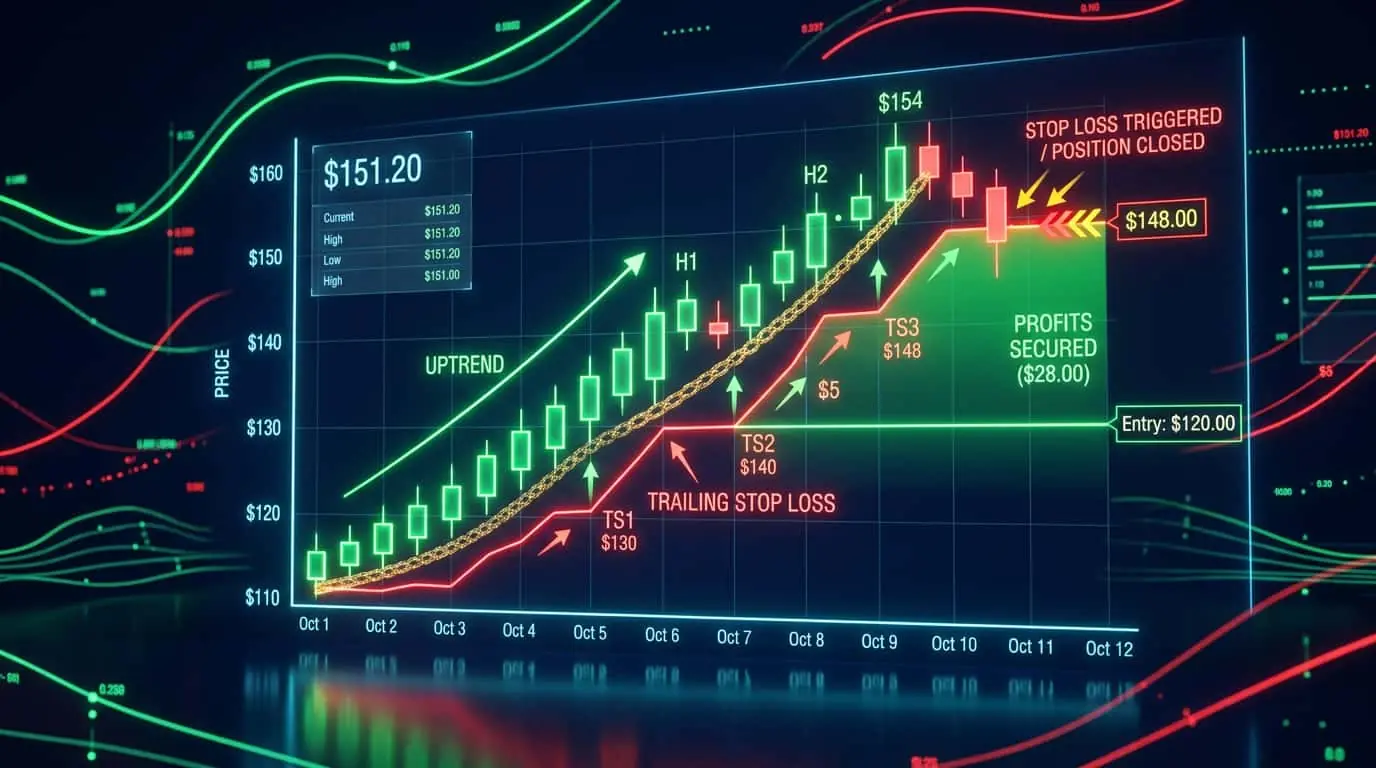
A stop order becomes active only when a specified trigger price is reached, then executes as either a market order (stop-market) or a limit order (stop-limit). Traders use stop orders primarily for stop losses and breakout entries.
A stop order, also called a stop-loss order when used for risk management, is a conditional order that remains dormant until the market reaches a specified trigger price (the stop price). Once triggered, the order becomes active and is submitted to the exchange for execution. There are two main types: stop-market orders, which become market orders when triggered and guarantee execution but not price, and stop-limit orders, which become limit orders when triggered and guarantee price but not execution. Stop orders are the primary tool for automated risk management in trading. A buy stop is placed above the current price and triggers when price rises to that level. A sell stop is placed below the current price and triggers when price falls to that level. This is the opposite of limit orders, which is why it can initially be confusing for new traders. The critical distinction to understand is that stop orders are conditional: they do not participate in the market until the trigger price is touched. Before triggering, they are invisible to other market participants and do not appear in the public order book. This makes them fundamentally different from limit orders, which are always visible. Once triggered, the stop order transitions into either a market order or a limit order, and from that point forward it behaves exactly like the corresponding order type. This two-phase lifecycle (dormant then active) is what makes stop orders so versatile for both risk management and entry strategies.
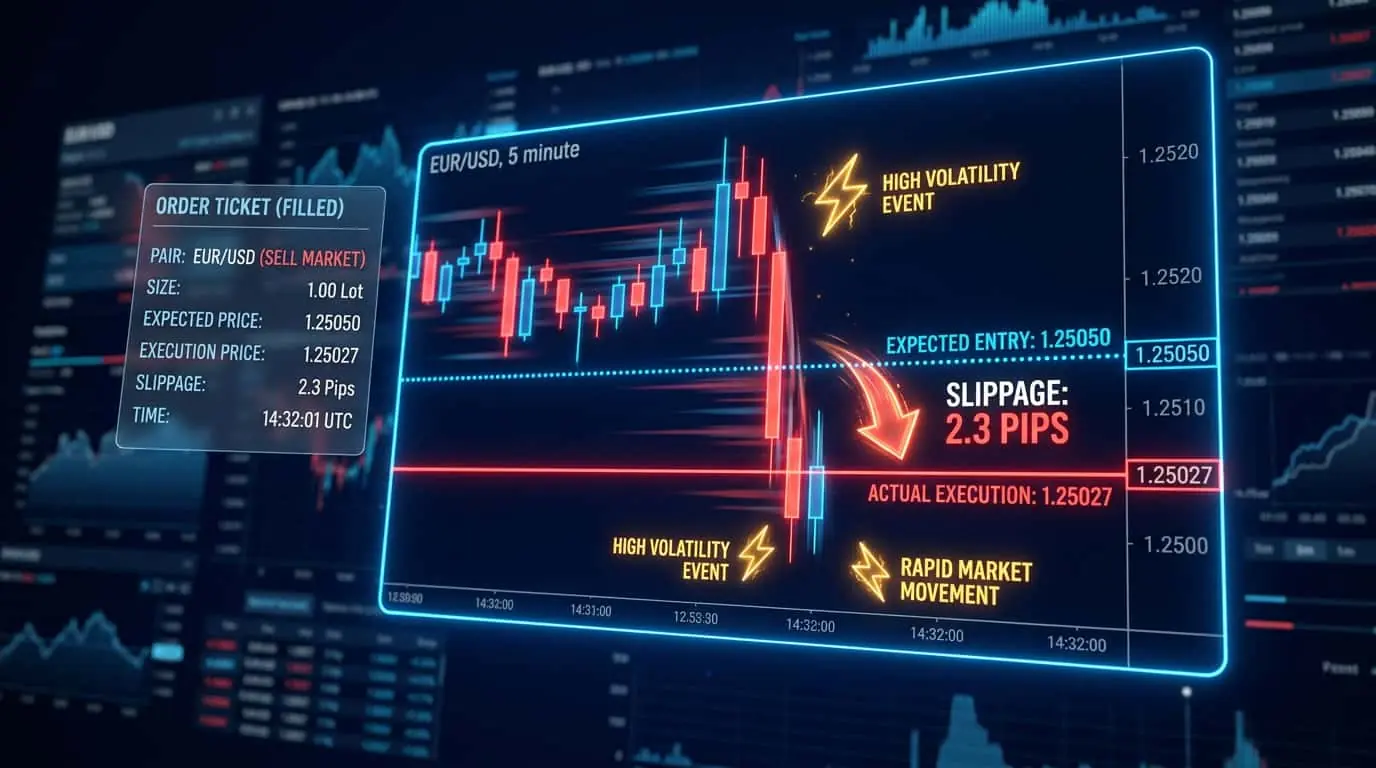
The difference between stop-market and stop-limit orders becomes critical in fast-moving markets. A stop-market order triggers at the stop price and immediately becomes a market order, filling at the best available price. This guarantees execution but may result in slippage if the market is moving quickly or gaps through your stop level. A stop-limit order triggers at the stop price and becomes a limit order at a specified limit price (which may be the same as the stop price or different). This controls the fill price but introduces the risk of not being filled if the market moves too fast past both your stop and limit prices. For stop losses, most professional traders prefer stop-market orders because guaranteed execution is more important than price precision when managing risk. A stop-limit stop loss that does not fill defeats its entire purpose. Consider a concrete example: you are long 2 ES contracts at 5200.00 with a sell stop-market at 5190.00 and a separate sell stop-limit at 5190.00 (limit price 5189.50). If the market drops steadily to 5190.00, both orders trigger and fill normally. But if negative CPI data causes the market to gap from 5192.00 to 5185.00 in a single tick, the stop-market fills immediately at 5185.00 (5 points of slippage, $500 loss beyond the planned stop). The stop-limit, however, triggers but cannot fill because the limit price of 5189.50 is above the current market at 5185.00. The stop-limit remains unfilled, and as the market continues dropping to 5170.00, your loss grows to $3,000 per contract instead of the planned $500. This scenario illustrates why stop-market is the only appropriate choice for protective stops.
| Type | After Trigger | Execution Guarantee | Price Guarantee | Best For |
|---|---|---|---|---|
| Stop-Market | Becomes market order | Yes | No | Stop losses, emergency exits |
| Stop-Limit | Becomes limit order | No | Yes | Controlled breakout entries |
Pro Tip
For stop losses, always use stop-market orders, not stop-limit orders. If the market gaps through your stop-limit price, your order will not fill, and your losses will continue to grow. The small slippage risk of a stop-market order is far preferable to the risk of an unfilled stop-limit.
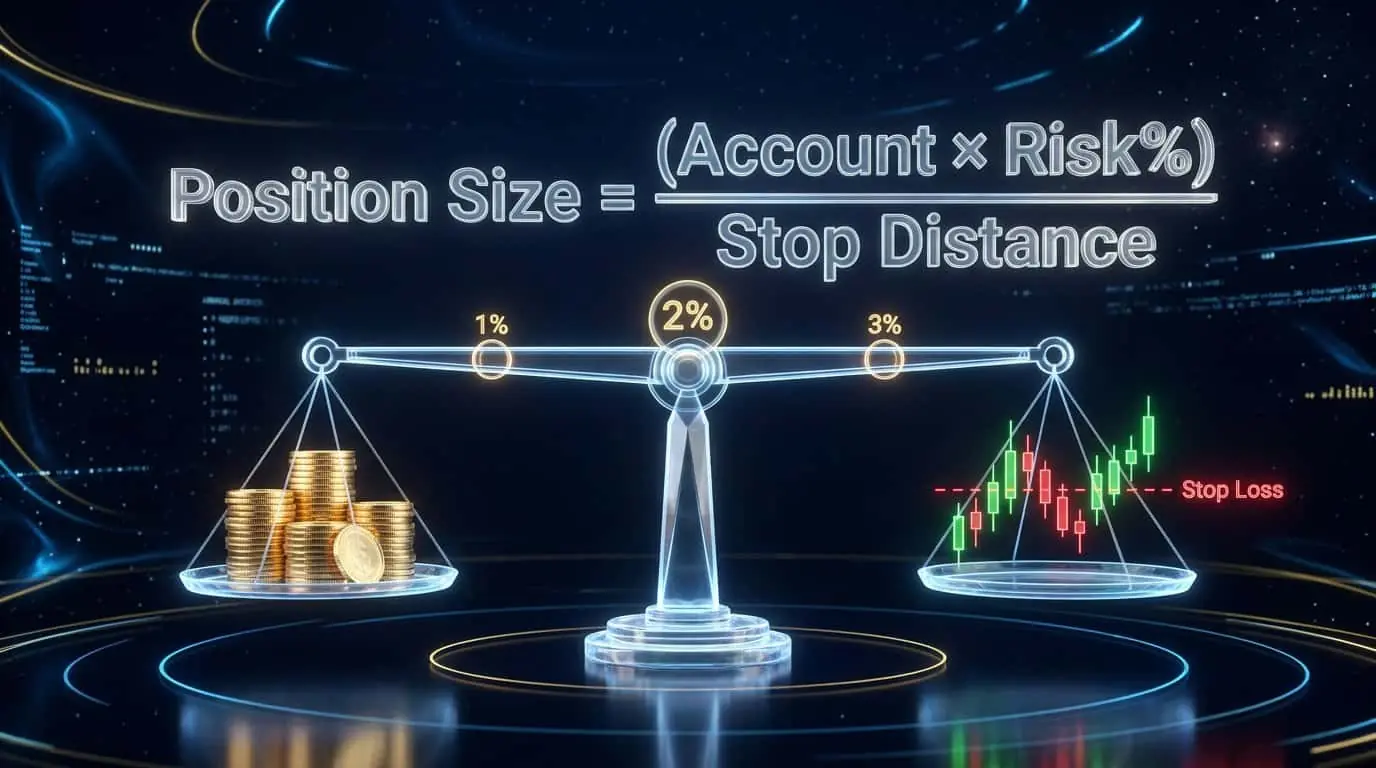
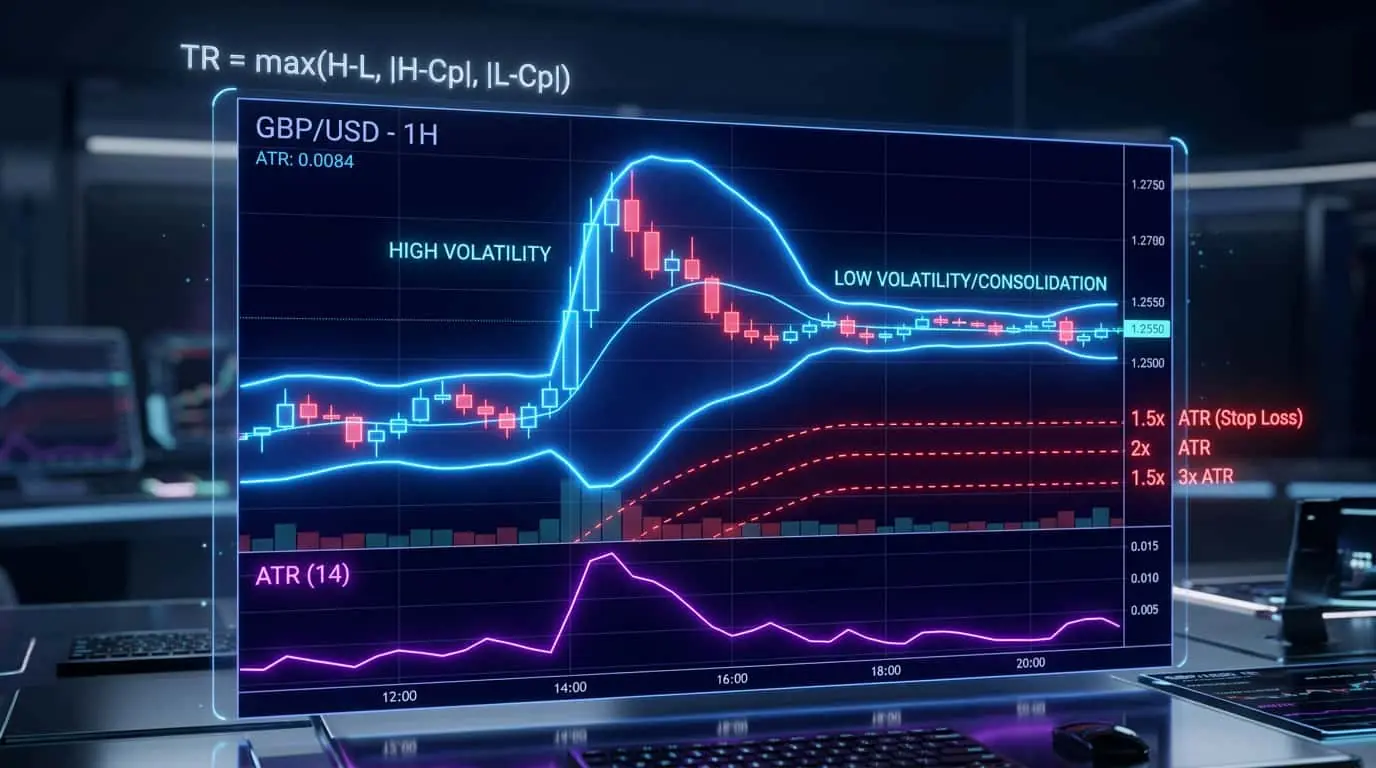
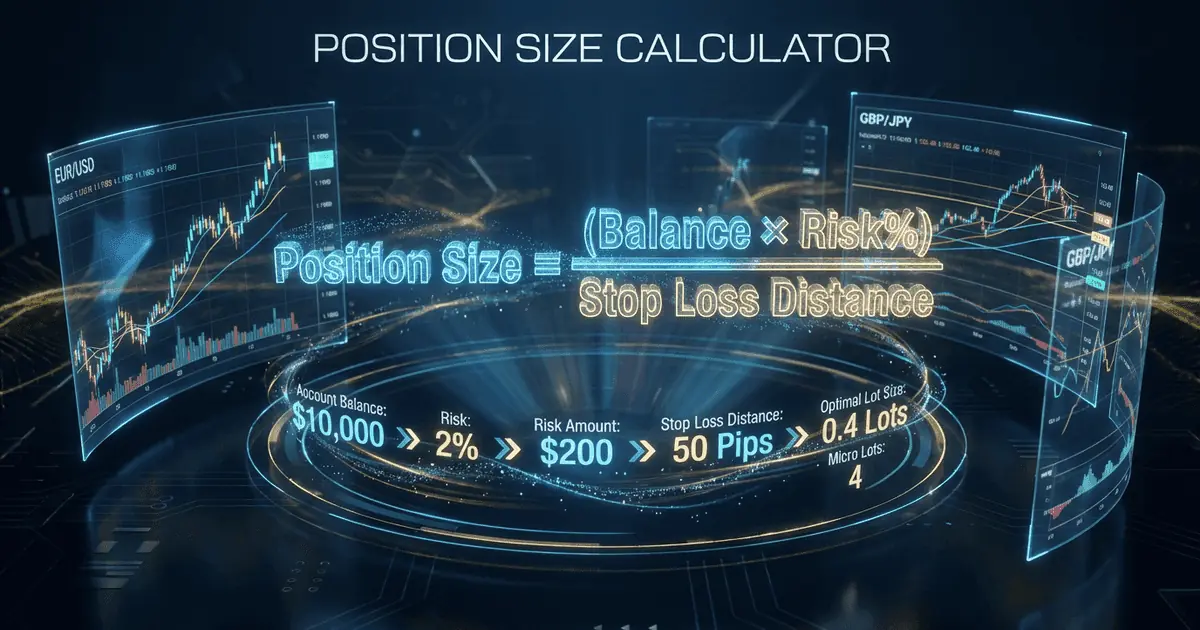
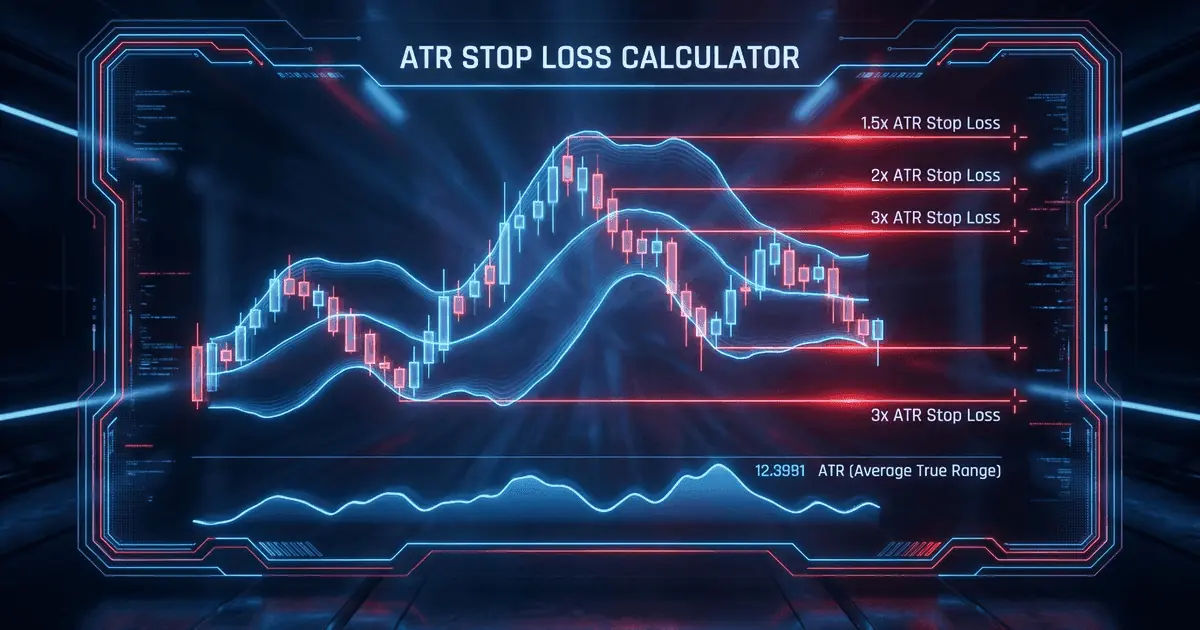
The most important use of stop orders is risk management through stop losses. When you enter a long position, a sell stop order is placed below your entry price to limit losses if the trade goes against you. When you enter a short position, a buy stop order is placed above your entry price. The stop price should be based on technical analysis, not arbitrary numbers. Common stop placement methods include below the most recent swing low (for longs) or above the most recent swing high (for shorts), a fixed ATR multiple from your entry price (e.g., 2x ATR), below a key support level or moving average, or at a price that invalidates your trade thesis. Once placed, the stop order sits dormant until price reaches the trigger level. If triggered, the order executes automatically, removing the need for you to monitor the position constantly and eliminating the emotional temptation to move your stop or hold a losing trade. Here is a practical example of ATR-based stop placement on the NQ (Nasdaq 100 E-mini) futures. Suppose the 14-period ATR on the 15-minute chart is 25 points, and you enter a long position at 18,500.00. Using a 2x ATR stop, you place your sell stop at 18,500.00 minus 50 points, which equals 18,450.00. This gives the trade enough room to breathe through normal intraday fluctuations while protecting you from a significant adverse move. At $5.00 per point on NQ, your maximum risk per contract is $250. If you are trading 2 contracts with a $50,000 account risking 1% per trade ($500 total risk), the 2x ATR stop perfectly aligns your position size with your risk tolerance.
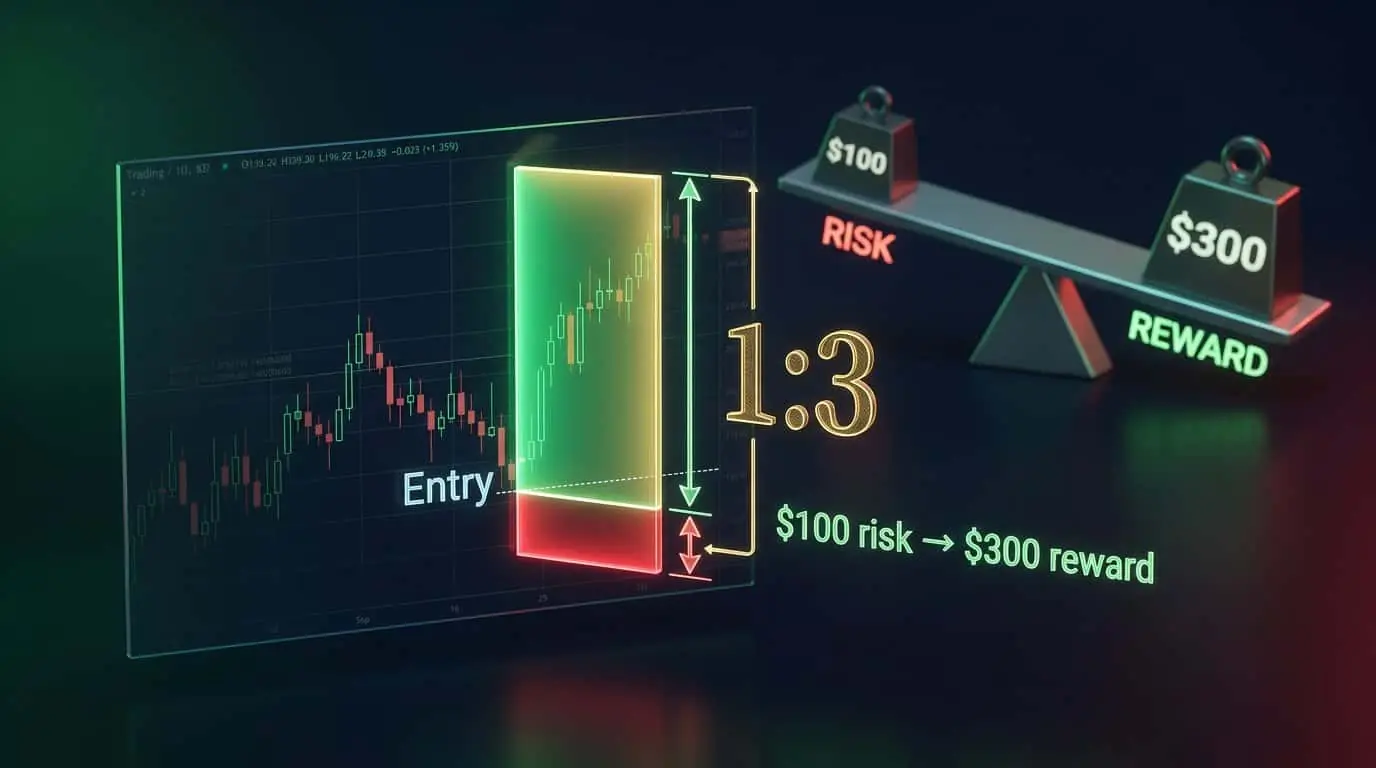
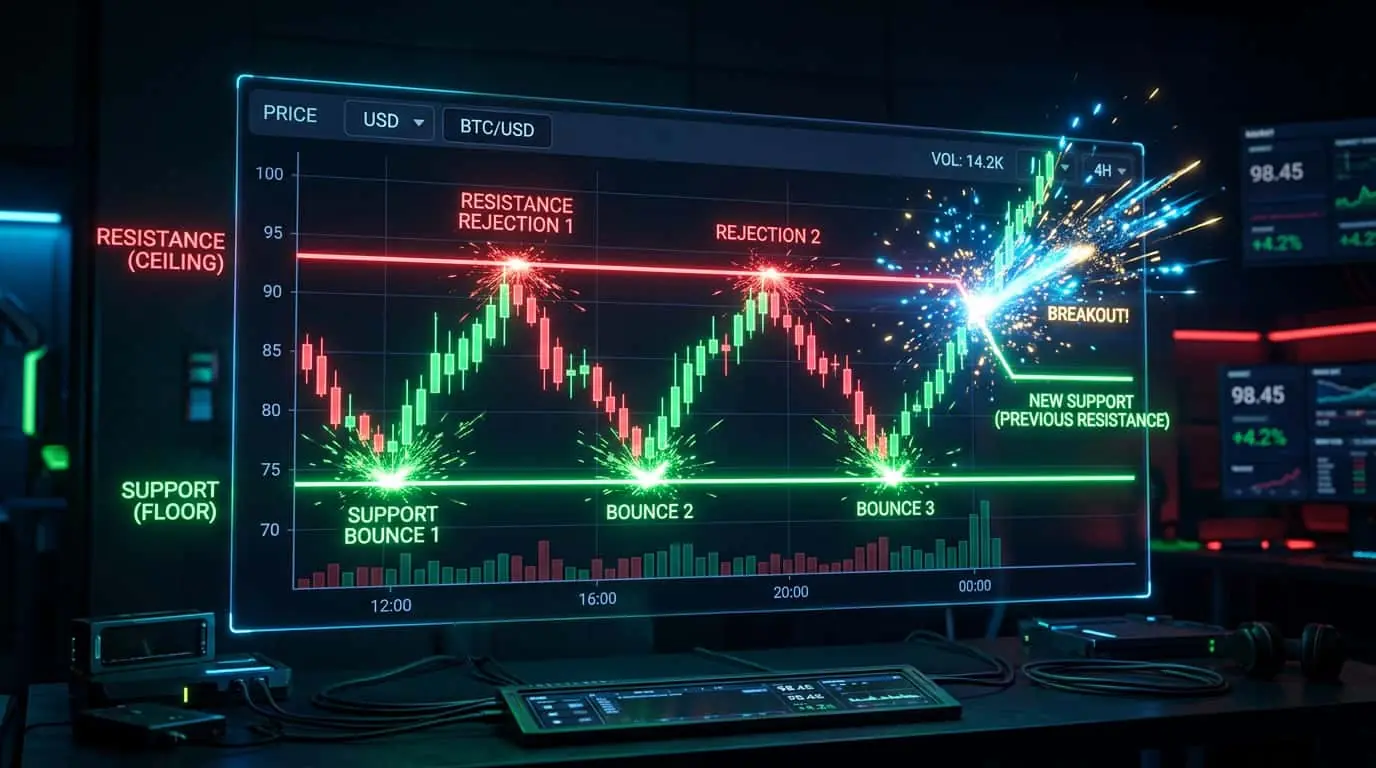
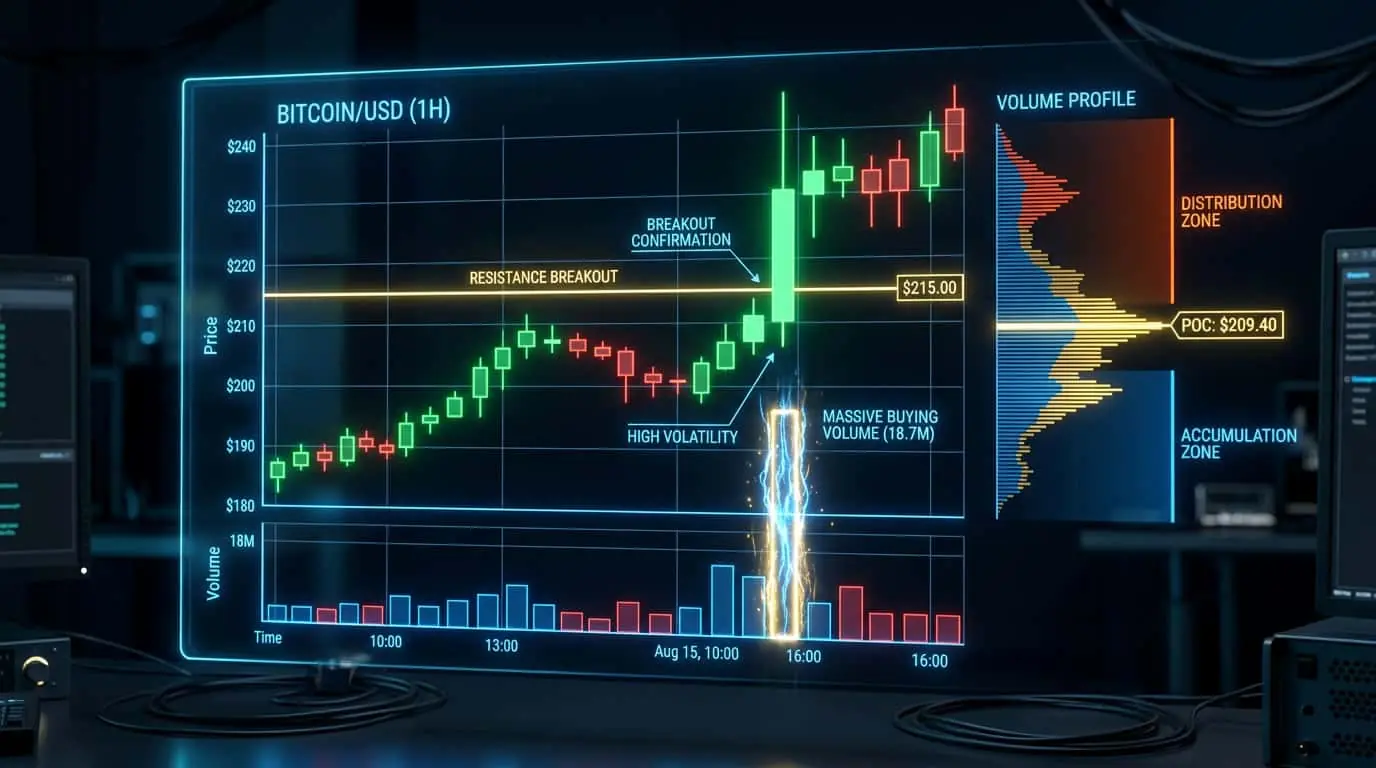
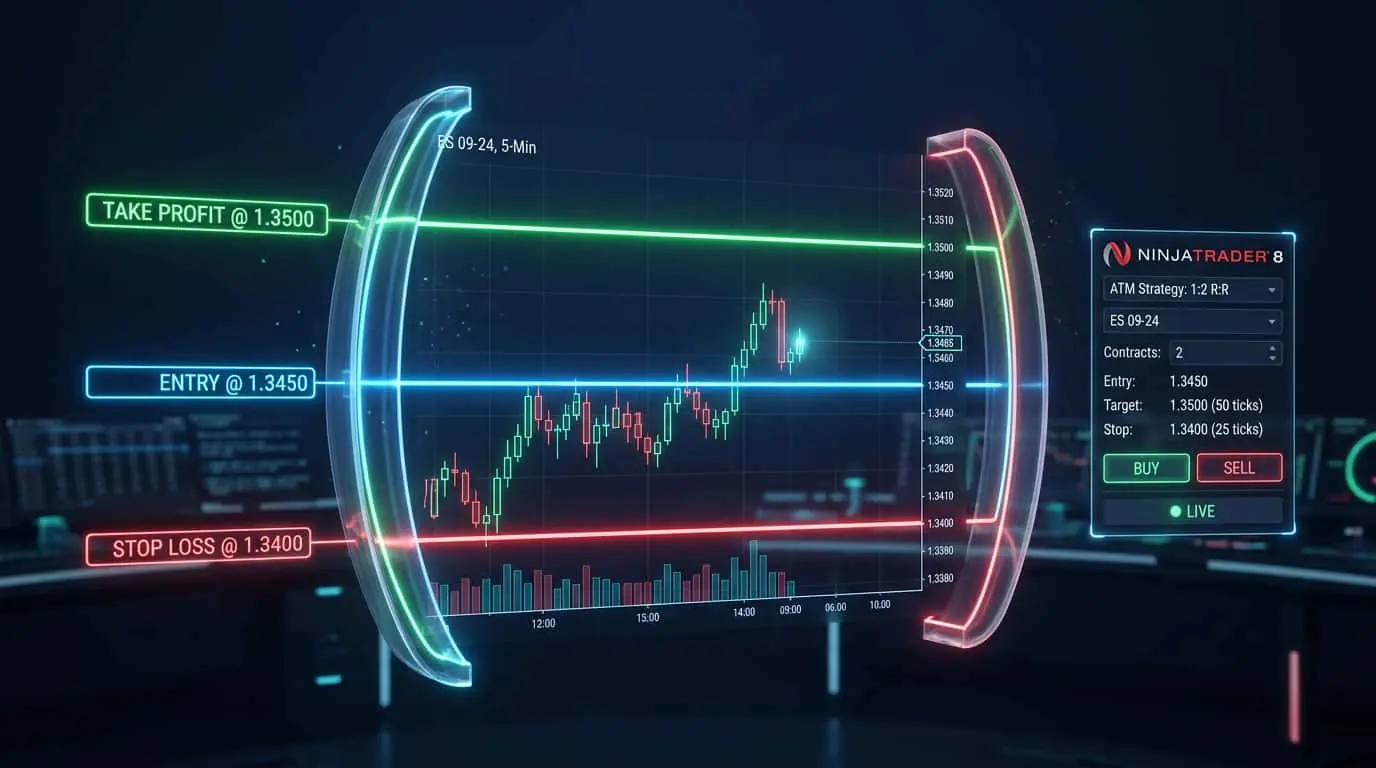
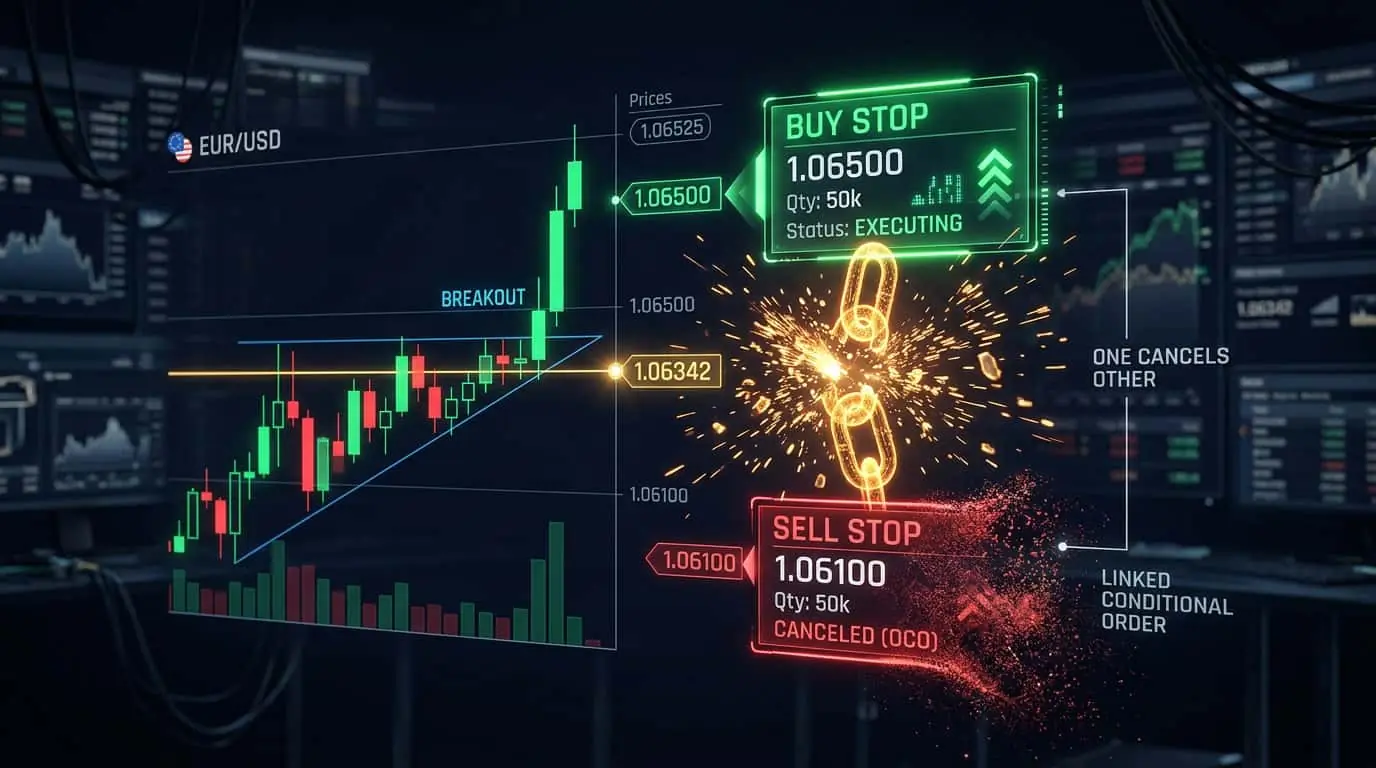
Beyond risk management, stop orders are commonly used for breakout entries. A buy stop order placed above a resistance level will trigger if price breaks through that resistance, entering you into the trade in the direction of the breakout. A sell stop order placed below a support level will trigger if price breaks down through support. This approach ensures you only enter the trade if the breakout actually occurs, avoiding the premature entries that often happen when traders try to anticipate breakouts. For breakout entries, stop-limit orders can be appropriate because you want to control your entry price. Set the stop price at the breakout level and the limit price a few ticks above (for buys) or below (for sells) to allow for some momentum while still controlling the fill price. NinjaTrader's ATM strategies are particularly useful for breakout trading because you can predefine the entry stop, stop loss, and take profit levels before the trade triggers. Consider this breakout scenario on ES futures: price consolidates between 5180.00 (support) and 5200.00 (resistance) for three hours. You place a buy stop at 5200.25 (one tick above resistance) with an ATM strategy that sets a stop loss 10 points below entry (5190.25) and a take profit 20 points above entry (5220.25). If price breaks above 5200.00, your buy stop triggers, the entry fills near 5200.25, and both exit orders are automatically placed. If the breakout fails and price reverses, your stop loss at 5190.25 limits the loss to 10 points ($500 per contract). If the breakout succeeds, your target at 5220.25 locks in 20 points ($1,000 per contract). The entire trade is planned and automated before the breakout even occurs.
NinjaTrader provides comprehensive stop order management across multiple interfaces. In the SuperDOM, you can place stop-market orders by clicking the stop column at any price level. The order appears as a distinct marker, visually separated from limit orders. You can drag stop orders to adjust their price levels in real time, which is useful for manually trailing a stop as the trade progresses. Chart Trader allows you to place stop orders by right-clicking on the chart at the desired price level and selecting the appropriate order type. For automated strategies, NinjaScript provides the EnterLongStopMarket(), EnterShortStopMarket(), EnterLongStopLimit(), and EnterShortStopLimit() methods for entry stops, and SetStopLoss() for protective stops on existing positions. NinjaTrader's ATM strategies streamline the entire process: when you enter a trade (by any method), the ATM automatically places a stop-market order at your predefined distance. The ATM system also supports auto break-even (moving the stop to entry price after a specified profit level), auto trail (converting the fixed stop to a trailing stop after a specified profit), and multi-target management (different stop adjustments for each scaling level). The Control Center provides real-time visibility into all active stop orders, their trigger prices, and their current status, enabling quick verification that all protective stops are properly placed.
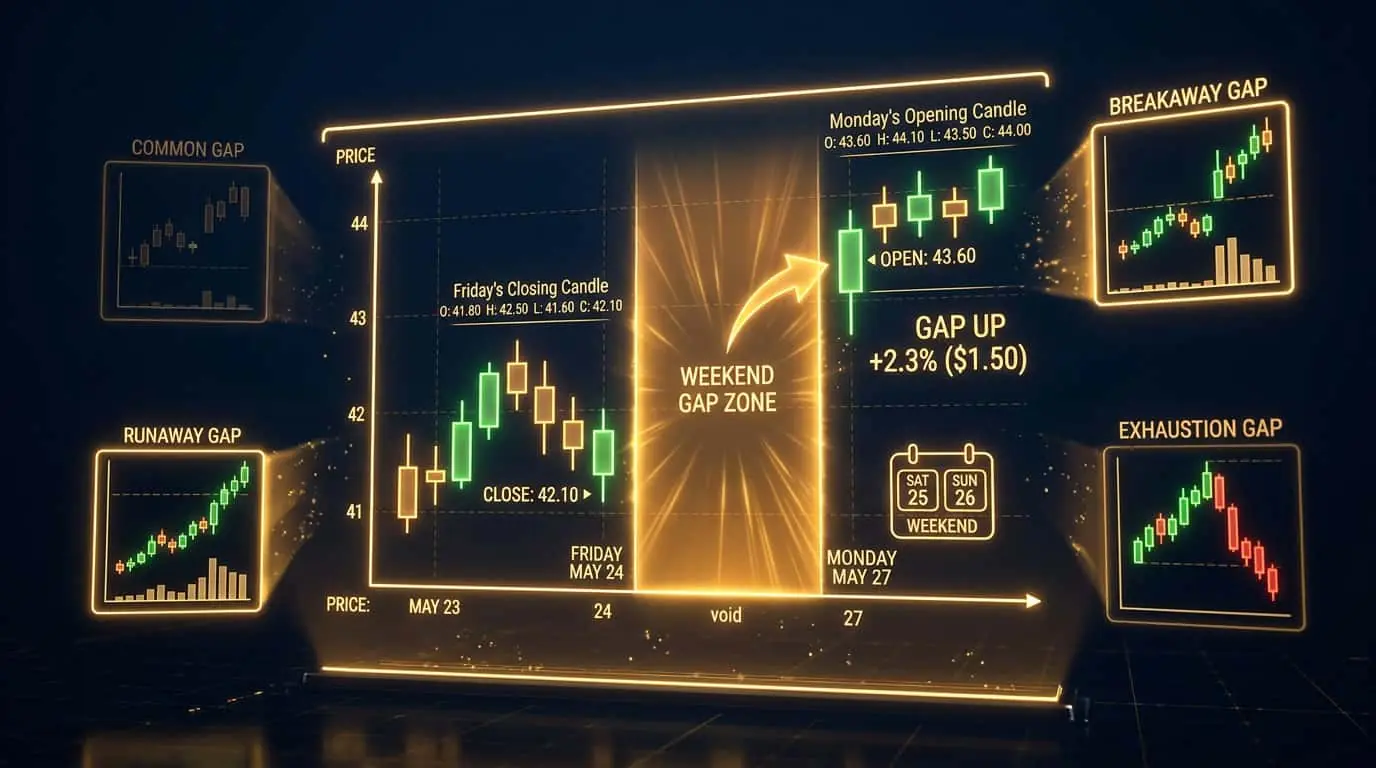
Stop order behavior varies across different markets and trading sessions. In highly liquid futures markets like ES during regular trading hours, stop-market orders typically fill within 1-2 ticks of the trigger price. During overnight/globex sessions, spreads widen and liquidity decreases, so slippage on stop orders increases. In forex, stop orders during major sessions (London, New York) fill well, but during the Asian session for non-JPY pairs, slippage increases. Stock stop orders placed outside market hours execute at the open price, which may be significantly different from the stop price if the stock gaps overnight. This is particularly important for swing traders holding positions overnight. Understanding these nuances helps you choose the right order type and set expectations for your fill prices. Some traders avoid holding positions through events that could cause gaps (earnings, major economic data) to reduce stop order slippage risk. The following table summarizes expected stop order slippage across common trading scenarios, based on typical market conditions for standard-sized retail orders.
| Market/Session | Typical Stop Slippage | Gap Risk | Recommendation |
|---|---|---|---|
| ES regular hours (9:30-16:00 ET) | 0-1 tick | Very low | Stop-market is reliable |
| ES overnight/Globex | 1-3 ticks | Low to moderate | Widen stop or reduce size |
| NQ regular hours | 0-1 tick | Very low | Stop-market is reliable |
| CL (Crude Oil) regular hours | 0-2 ticks | Low | Watch for inventory report spikes |
| Futures over weekend | N/A (market closed) | High | Consider closing Friday positions |
| During major news (FOMC, NFP) | 3-10+ ticks | Very high | Flatten positions before release |
Stop orders support the same time-in-force modifiers as other order types, and choosing the correct duration prevents unexpected behavior. DAY stop orders expire at the end of the current trading session. If your stop is not triggered during the session, it is canceled automatically. This is the default for most day trading platforms, including NinjaTrader. GTC (Good Till Canceled) stop orders remain active across multiple sessions, which is essential for swing traders who hold positions overnight or for several days. Without GTC, a swing trader would need to re-enter their stop loss every morning, creating a dangerous window of unprotected exposure. Some brokers limit GTC duration to 60 or 90 days, after which the order expires and must be re-entered. GTD (Good Till Date) stop orders let you specify an exact expiration date, which is useful for stops tied to specific events or trade setups with a defined timeline. When using stop orders with NinjaTrader's ATM strategies, the time-in-force is typically managed automatically based on the session template, but manual orders require explicit duration selection. Always verify that your protective stop orders have the correct duration, especially when transitioning from day trading to swing trading or when holding positions through weekends.
Mistake
Using stop-limit orders for stop losses
Correction
Use stop-market orders for protective stop losses. A stop-limit order that does not fill because the market gaps through it defeats the purpose of having a stop loss. Guaranteed execution is more important than price precision when managing risk.
Mistake
Placing stops at obvious round numbers where stop hunts are likely
Correction
Place your stop a few ticks beyond the obvious level (below the round number for longs, above for shorts). This gives your stop a buffer against stop hunts while still maintaining your risk management discipline.
Mistake
Moving stop losses further from entry to avoid being stopped out
Correction
Never widen your stop after entering a trade. If you feel the need to move your stop, your initial placement was wrong. Only move stops in the direction of profit (trailing stops), never away from profit.