TL;DR
NinjaTrader is a professional trading platform for futures, forex, and stocks. It features advanced charting, automated strategy development via NinjaScript (C#), backtesting, and a thriving ecosystem of custom indicators. NinjaTrader 8 is the current version and the platform The Planet Indicator is built for.
Table of Contents
NinjaTrader is a professional-grade trading platform primarily used for futures, forex, and stock trading. Founded in 2003 by Raymond Deux, it has grown to become one of the most popular platforms among active retail and professional traders worldwide. NinjaTrader offers advanced charting, real-time market analysis, multiple order entry methods, and a powerful development framework for creating custom indicators and automated trading strategies. The platform is available as a free download for charting and simulation, with a paid license required only for live trading. Unlike many competing platforms that charge monthly subscriptions, NinjaTrader provides a genuinely free tier that includes full charting capabilities, the NinjaScript development environment, the Strategy Analyzer for backtesting, and even simulated trading with real-time data. This freemium model has made NinjaTrader the go-to starting point for aspiring futures traders who want to learn without financial commitment. NinjaTrader is headquartered in Denver, Colorado, and also operates NinjaTrader Brokerage, a futures commission merchant (FCM) registered with the CFTC and a member of the NFA, providing a seamless brokerage integration directly within the platform.
NinjaTrader 8, released as a public beta in 2015 and reaching general availability in 2017, represented a ground-up rewrite of the platform rather than an incremental update. NinjaTrader 7 served the trading community well for years, but its 32-bit architecture and single-threaded design became limiting as markets grew faster and data volumes increased. NinjaTrader 8 moved to a full 64-bit architecture, allowing the platform to address significantly more memory -- critical when running dozens of charts with tick-level data, multiple Market Analyzer windows, and several automated strategies simultaneously. The rendering engine was completely overhauled in NinjaTrader 8, switching to Microsoft DirectX for GPU-accelerated chart drawing. This means charts render faster, scroll more smoothly, and handle dense datasets like volume profile overlays without the lag that plagued NinjaTrader 7 on complex chart setups. Multi-threading was introduced throughout the platform, so a slow indicator on one chart does not freeze the entire application, and data connections run on separate threads for improved reliability. The NinjaScript framework received major improvements in version 8: better event-driven architecture with OnBarUpdate, OnMarketData, and OnOrderUpdate methods; partial class support for cleaner code organization; improved memory management with explicit disposal patterns; and a modernized NinjaScript Editor with better IntelliSense. Importantly, NinjaTrader 7 code is not compatible with NinjaTrader 8 -- indicators and strategies must be rewritten to target the newer API. NinjaTrader 7 reached end of life and is no longer supported, so all new development should exclusively target NinjaTrader 8.
Pro Tip
If you find a free indicator online that targets NinjaTrader 7, do not attempt to import it into NinjaTrader 8. The APIs are fundamentally different. Look for an NT8-specific version, or use it as a reference to rewrite the logic in the NinjaTrader 8 NinjaScript framework.
NinjaScript is NinjaTrader's proprietary development framework based on C# (C-Sharp) and the .NET framework. It allows traders and developers to create custom indicators, automated strategies, and add-ons that run directly within the NinjaTrader platform. NinjaScript code is compiled in real-time using the built-in NinjaScript Editor, which provides syntax highlighting, IntelliSense autocompletion, and error checking -- similar to a lightweight IDE embedded in the trading platform. This framework is what makes NinjaTrader uniquely extensible compared to other trading platforms. Because NinjaScript is built on C#, developers have access to the full .NET class library. This means you can perform HTTP requests to external APIs, read and write files, use LINQ for complex data queries, implement multi-threading, parse JSON and XML data, connect to databases, and do virtually anything that a standalone C# application can do. This level of power far exceeds what Pine Script (TradingView) or MQL (MetaTrader) can offer, making NinjaTrader the platform of choice for developers who need sophisticated custom logic. NinjaScript supports four main types of custom code: Indicators (visual overlays and calculations on charts), Strategies (automated trading systems that can place orders), Market Analyzer Columns (custom scanner columns for screening instruments), and Add-Ons (full custom windows and background services). Each type inherits from a base class and overrides specific methods like OnBarUpdate(), OnStateChange(), and OnMarketData() to implement custom behavior. The compilation process is seamless -- save your code, and NinjaTrader compiles it on the fly, reporting any errors in the output window.
Pro Tip
If you are new to NinjaScript development, start by modifying existing indicator templates before building from scratch. NinjaTrader includes several example indicators and strategies in the NinjaScript Editor. Study how OnStateChange() manages state transitions and how OnBarUpdate() processes each new bar of data.
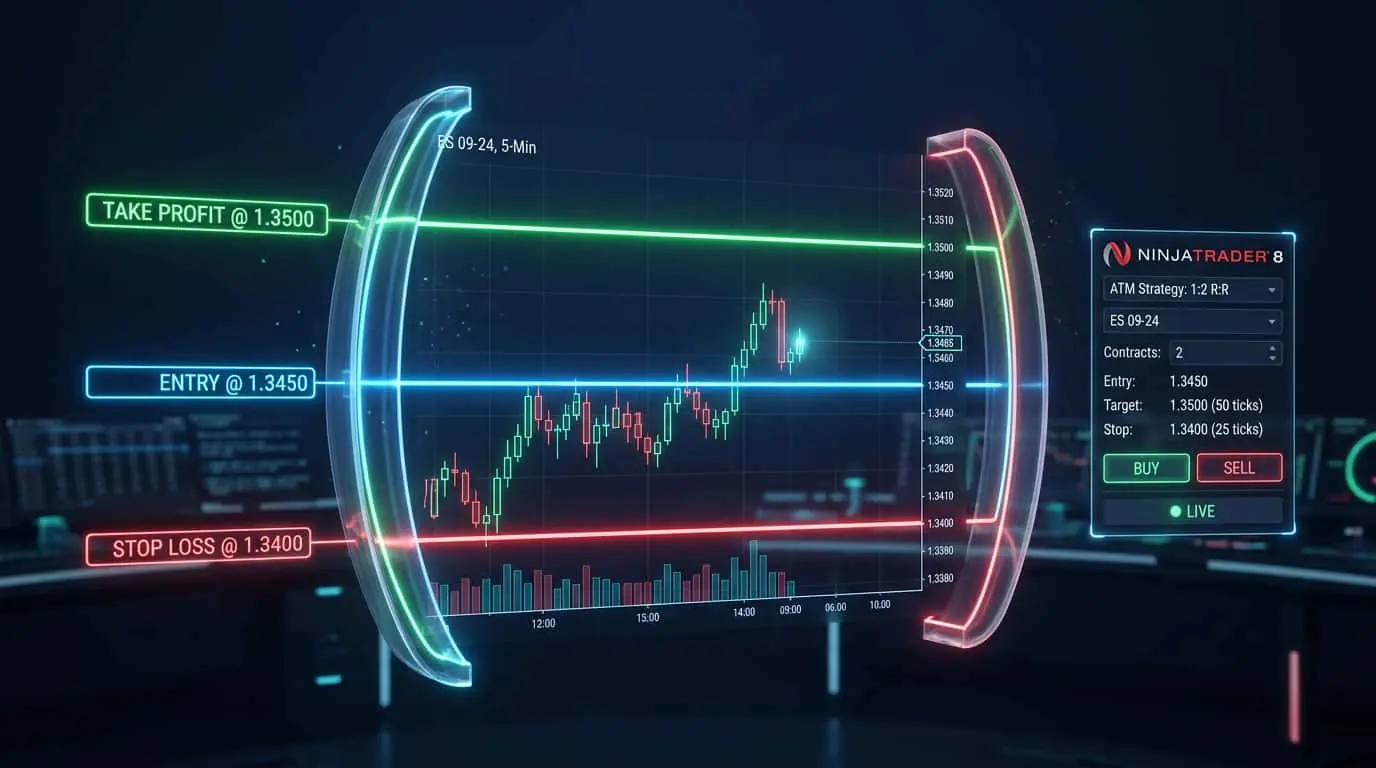
NinjaTrader 8 is packed with features designed for active traders who need speed, precision, and flexibility. The platform supports multi-monitor setups with customizable workspaces that save and restore your entire layout, including chart configurations, indicators, and window positions. Real-time market data from multiple feeds can run simultaneously, and the charting engine handles tick-by-tick data efficiently, making it suitable for scalping, day trading, and swing trading strategies. The Chart Trader panel allows you to place, modify, and cancel orders directly on the price chart by clicking and dragging, providing an intuitive visual interface for discretionary trading. Advanced Trade Management (ATM) Strategies let you predefine your stop loss, profit targets, and trailing stop rules so that every trade is managed consistently according to your plan -- a feature that eliminates emotional decision-making during volatile markets.
| Feature | Description | Use Case |
|---|---|---|
| Chart Trader | Place and manage orders directly on the chart with drag-and-drop | Visual order entry for discretionary traders |
| ATM Strategies | Predefined stop loss, take profit, and trail rules applied per trade | Consistent trade management automation |
| Market Analyzer | Real-time scanner with custom columns across hundreds of instruments | Finding setups across many markets simultaneously |
| Strategy Analyzer | Backtesting engine with optimization and walk-forward analysis | Validating strategies against historical data |
| Market Replay / Playback | Replay historical market data tick-by-tick at adjustable speed | Practice trading and review past sessions risk-free |
| SuperDOM | Dynamic depth of market ladder with one-click order entry | Fast execution for scalpers and order flow traders |
| Hot Keys | Fully customizable keyboard shortcuts for every action | Rapid order entry and chart navigation |
| Alerts & Sharing | Price alerts, indicator-based alerts, email and sound notifications | Monitoring markets when away from the screen |
The SuperDOM (Dynamic Order Management) is one of NinjaTrader's most distinctive features and a primary reason many scalpers and order flow traders choose the platform. The SuperDOM displays a real-time depth-of-market ladder showing bid and ask sizes at each price level, your working orders, and your current position -- all in a single, compact vertical window. Traders can place limit orders, stop orders, and market orders with a single click directly on the price ladder. The SuperDOM updates in real-time as the order book changes, giving traders immediate visual feedback on where liquidity is concentrated and where large orders are sitting. NinjaTrader's SuperDOM goes beyond a basic DOM by supporting integrated columns that display custom data. You can add columns for volume profile, cumulative delta, bid/ask imbalance, and other order flow metrics directly in the SuperDOM. ATM Strategies can be applied from the SuperDOM, so every order you place automatically attaches your predefined stop loss and profit target rules. For futures scalpers trading products like ES (E-mini S&P 500), NQ (E-mini Nasdaq 100), or CL (Crude Oil), the SuperDOM is often the primary trading interface, with charts used only for context and analysis. The ability to see resting orders, execute instantly, and have automatic trade management makes the SuperDOM an essential tool for active traders who measure their edge in ticks rather than points.
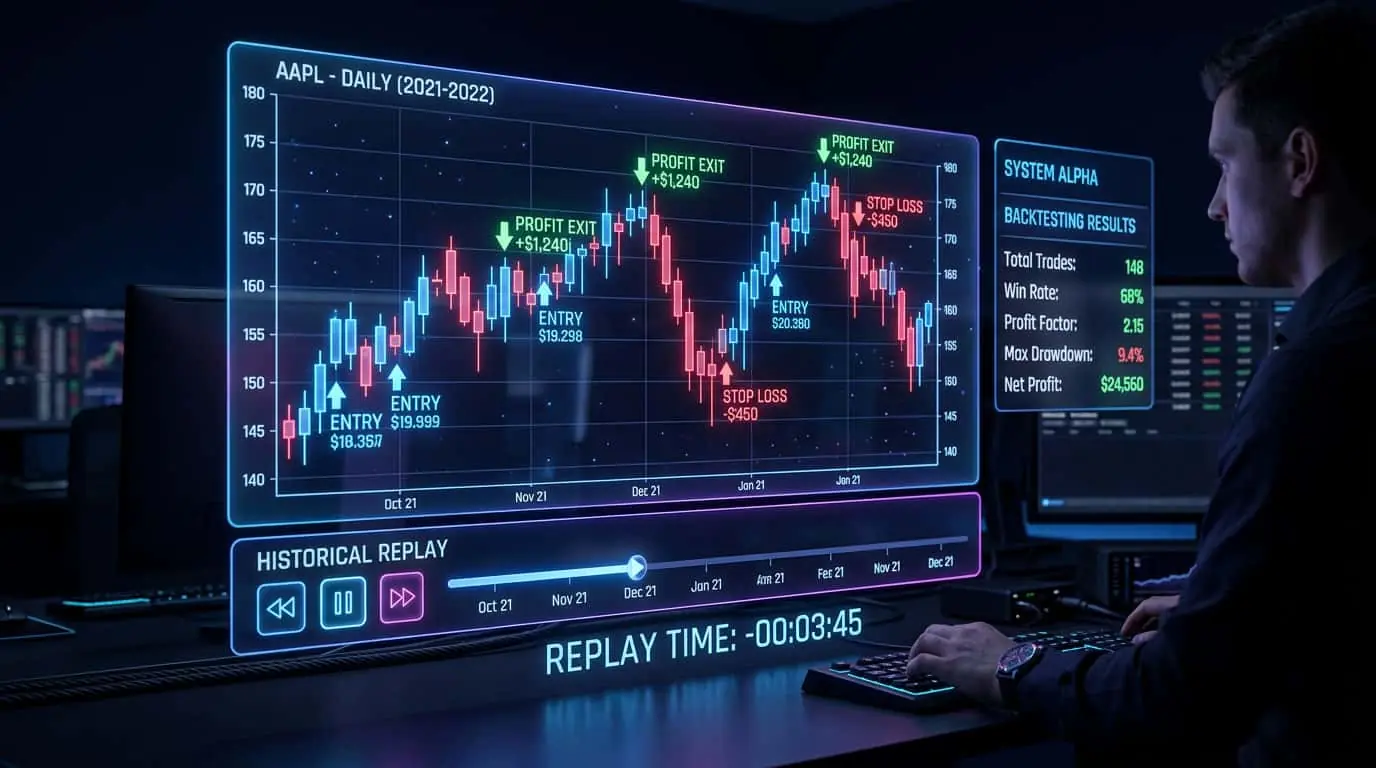
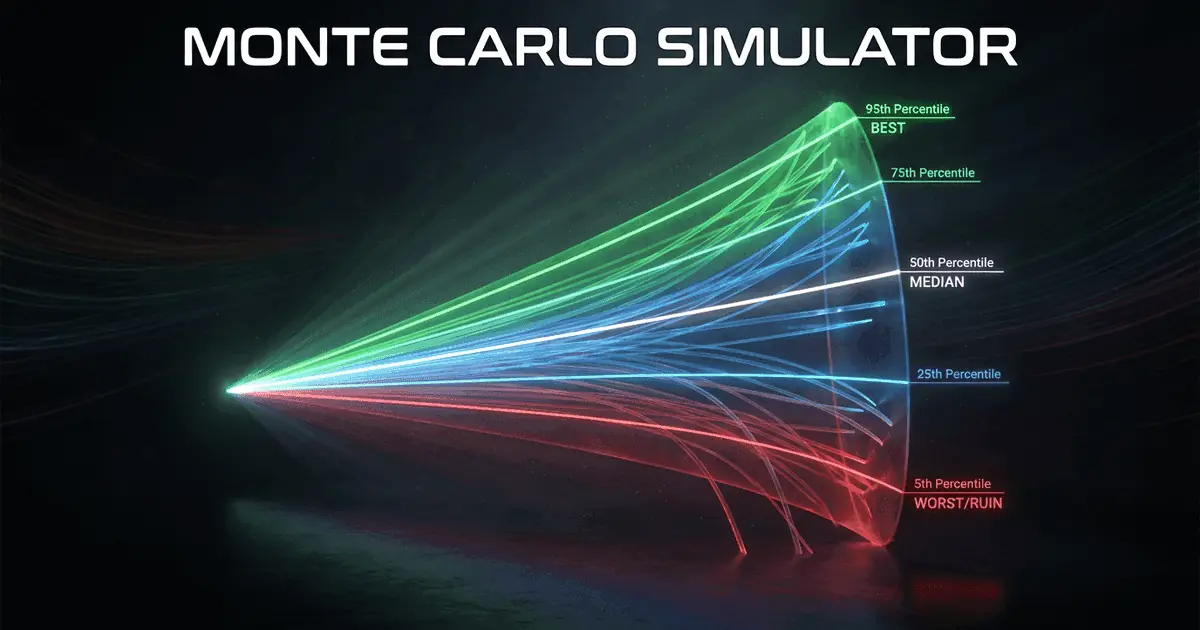
Three of NinjaTrader's most powerful analytical tools are the Market Analyzer, the Strategy Analyzer, and the Playback (Market Replay) feature. The Market Analyzer is a real-time instrument scanner that displays a customizable grid of columns for any number of symbols. Each column can show standard data like last price, daily change, and volume, or it can run a custom NinjaScript indicator and display its output value. This makes the Market Analyzer a programmable screener -- for example, you could create a column that shows whether the 20 EMA is above the 50 EMA for each of 200 futures and forex instruments, updating in real-time. Traders use the Market Analyzer to find opportunities across markets without manually checking each chart. The Strategy Analyzer is NinjaTrader's backtesting and optimization engine. It allows traders to test automated strategies against years of historical data, processing each bar or tick chronologically and simulating entries, exits, and position management as if the strategy were running live. After a backtest completes, NinjaTrader generates comprehensive performance reports including profit factor, maximum drawdown, win rate, average trade duration, Sharpe ratio, and hundreds of other metrics. The optimization mode tests thousands of parameter combinations to find optimal settings, while walk-forward analysis validates that those settings are robust and not curve-fitted to historical data. Monte Carlo simulation is also available, running hundreds of randomized iterations to assess the probability distribution of strategy outcomes. The Playback feature (also called Market Replay) lets you download and replay historical market data tick-by-tick at adjustable speeds -- from slow motion to many times faster than real-time. During replay, the platform behaves exactly as it would during live trading: indicators calculate, alerts trigger, and you can place simulated orders. This makes Playback invaluable for practicing trading strategies, reviewing past market sessions, and building screen time without risking capital or waiting for specific market conditions to occur.
Pro Tip
Always backtest with commission and slippage settings enabled. A strategy that looks profitable without these costs may actually be a net loser in live trading. For futures, use at least 1 tick of slippage per side and include your actual commission rate.
While NinjaTrader supports forex and equities, it is overwhelmingly the platform of choice for futures traders. This dominance comes from deep integration with the futures ecosystem at every level. NinjaTrader Brokerage is itself a futures commission merchant registered with the CFTC, offering some of the lowest commissions in the industry and providing a seamless connection between the platform and the exchange. Futures traders using NinjaTrader can trade all major products on the CME Group exchanges: the Chicago Mercantile Exchange (CME) for E-mini S&P 500 (ES), E-mini Nasdaq 100 (NQ), and Micro contracts; the Chicago Board of Trade (CBOT) for Treasury bonds (ZB, ZN) and grains (ZC, ZS, ZW); the New York Mercantile Exchange (NYMEX) for Crude Oil (CL) and Natural Gas (NG); and COMEX for Gold (GC) and Silver (SI). NinjaTrader also supports ICE exchange products and other global futures exchanges depending on the data feed. The platform handles futures-specific nuances that general-purpose charting tools overlook: automatic contract rollover when a futures contract approaches expiration, continuous contract construction for backtesting across multiple expirations, proper tick size and point value configuration for each instrument, and margin requirement awareness. For prop firm traders (funded account programs), NinjaTrader is the most commonly supported platform, with firms like Topstep, Earn2Trade, and others requiring or recommending NinjaTrader for their evaluation programs. This makes NinjaTrader the natural choice for anyone pursuing the prop trading path.
NinjaTrader supports a wide range of data feed providers through its built-in Connection Manager, which allows traders to connect to multiple data sources simultaneously. The most commonly used data feeds for futures trading include Kinetick (NinjaTrader's own end-of-day and real-time data service, offering a free end-of-day feed for NinjaTrader Brokerage customers), CQG (a professional-grade data feed widely used by futures brokers, known for reliable tick data and low latency), Rithmic (favored by active traders and prop firms for its direct exchange connectivity and fast execution), and Interactive Brokers (a multi-asset broker supporting futures, forex, stocks, and options with a single account). Other supported connections include TD Ameritrade (now Schwab), FXCM for forex, and various third-party data providers. The Connection Manager in NinjaTrader 8 lets you run multiple connections at once -- for example, you might use CQG for real-time data while running a separate historical data connection for backtesting. Each connection can be configured independently with its own credentials and settings. For traders who need the fastest possible execution, Rithmic and CQG provide direct market access (DMA) to the exchanges with minimal intermediary latency. NinjaTrader also supports playback data connections for Market Replay, and the platform can record live market data for later replay.
NinjaTrader follows a freemium pricing model that is notably generous compared to competing platforms. The free tier includes full charting capabilities with unlimited charts and indicators, the NinjaScript development environment for building custom code, the Strategy Analyzer for backtesting, Market Replay for practice trading, and simulated trading with real-time data. There is no trial period -- the free version is free indefinitely. For live trading, NinjaTrader offers two licensing options. The first is a lease plan, which provides access to the platform for a recurring fee and is suited to traders who want lower upfront costs. The second is a lifetime license, which is a one-time purchase that grants permanent access to the platform, including all future updates within the major version. NinjaTrader Brokerage customers receive a free platform license as part of their brokerage account, effectively making the platform free if you use their brokerage services. This is a significant cost advantage compared to platforms like TradeStation or Bloomberg Terminal that charge substantial monthly fees. The combination of free charting, free development tools, and affordable live trading access is a major reason NinjaTrader has the largest user base among retail futures traders.
NinjaTrader benefits from a thriving ecosystem of third-party developers who create custom indicators, strategies, and add-ons. This ecosystem is one of the platform's greatest strengths, as traders can find specialized tools for virtually any trading style or methodology. The Planet Indicator, for example, is a suite of custom NinjaTrader indicators that provides trend direction, entry signals, and risk levels designed specifically for futures trading. Third-party tools are typically distributed as compiled DLL files or importable NinjaScript archives (.zip) that install with a few clicks via the Control Center's Import NinjaScript Archive function. The NinjaTrader ecosystem includes the official NinjaTrader Ecosystem website, where vetted partners list their commercial and free products. The community forums on the NinjaTrader support site are one of the most active trading platform communities online, with decades of accumulated threads covering NinjaScript development, platform configuration, trading strategy discussion, and troubleshooting. Many professional NinjaScript developers offer custom development services for traders who have specific indicator or strategy ideas but lack the programming skills to implement them. Educational resources are also abundant: NinjaTrader itself publishes video tutorials, webinars, and documentation, while third-party educators create courses specifically focused on NinjaTrader and NinjaScript development.
Compared to MetaTrader 4/5 (dominant in forex) and TradingView (popular for charting), NinjaTrader occupies a unique position as the preferred platform for futures traders who want deep customization and professional-grade execution tools. While MetaTrader uses MQL and TradingView uses Pine Script, NinjaTrader's C#-based NinjaScript provides access to the full .NET framework, enabling more complex logic, external data connections, database integration, and sophisticated order management that would be impossible on more restricted scripting languages. For traders focused on futures markets (ES, NQ, CL, GC), NinjaTrader is widely considered the industry standard.
| Feature | NinjaTrader 8 | TradeStation | Sierra Chart | MultiCharts |
|---|---|---|---|---|
| Primary Market | Futures | Stocks & Futures | Futures | Futures & Forex |
| Scripting Language | C# (NinjaScript) | EasyLanguage | ACSIL (C/C++) | PowerLanguage / C# |
| Free Tier | Yes (full charting + sim) | Limited | No (paid license) | No (paid license) |
| Backtesting | Strategy Analyzer with optimization | Built-in with optimization | Basic backtesting | Portfolio-level backtesting |
| Order Flow Tools | SuperDOM + third-party | Basic DOM | Advanced built-in | Basic DOM |
| Prop Firm Support | Most widely supported | Limited support | Some support | Some support |
| Community Size | Very large | Large | Moderate | Moderate |
| Custom Development | .NET framework access | Limited to EasyLanguage | Full C/C++ power | PowerLanguage + .NET |
Mistake
Developing strategies in NinjaTrader 7 format instead of NinjaTrader 8
Correction
Always develop for NinjaTrader 8, which is the current and only supported version. NT7 code is not compatible with NT8 and the API differences are substantial.
Mistake
Backtesting without accounting for slippage and commissions
Correction
Always enable realistic slippage (at least 1 tick per side for futures) and commission settings in the Strategy Analyzer to get accurate results.
Mistake
Using Market Replay without downloading the correct historical data first
Correction
Before using Playback, download historical tick data for the specific instruments and date ranges you want to replay via the Historical Data Manager in the Control Center.
Mistake
Running too many indicators on a single chart and blaming the platform for slow performance
Correction
Each indicator on a chart consumes CPU on every tick update. Remove unused indicators, reduce chart panel count, and consider using Calculate.OnBarClose instead of Calculate.OnEachTick for indicators that do not require tick-level precision.