TL;DR
A limit order is an instruction to buy or sell at a specific price or better. Unlike market orders, limit orders guarantee your fill price but do not guarantee execution, as the market must reach your specified price for the order to fill.
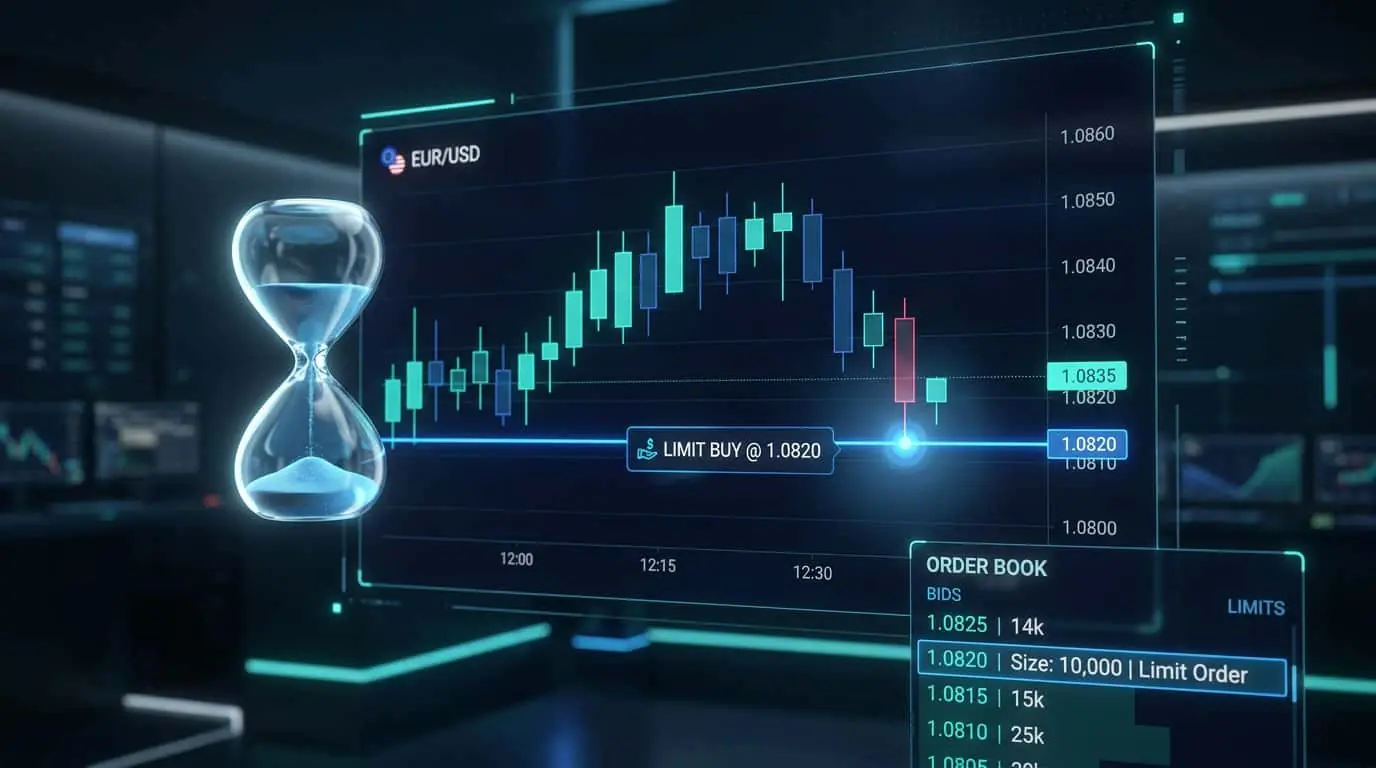
A limit order is a type of order that instructs your broker to execute a trade only at a specified price or better. A buy limit order is placed below the current market price and will only fill at the limit price or lower. A sell limit order is placed above the current market price and will only fill at the limit price or higher. This guarantees that you will never pay more (when buying) or receive less (when selling) than your specified price. The trade-off is that your order may not fill at all if the market never reaches your limit price. Limit orders are displayed in the order book and become part of the visible liquidity at their price level, which is why they are sometimes called passive orders. They are the most common order type used by professional traders because they provide precise control over entry and exit prices. Limit orders also play a structural role in market microstructure: they provide liquidity to the market, which is why exchanges often charge lower fees for limit orders compared to market orders. Some exchanges even offer rebates to limit order providers, creating a financial incentive to use limit orders beyond the slippage savings. For futures traders, understanding the interplay between limit orders and the order book is essential for reading market depth and identifying potential support and resistance levels in real time.
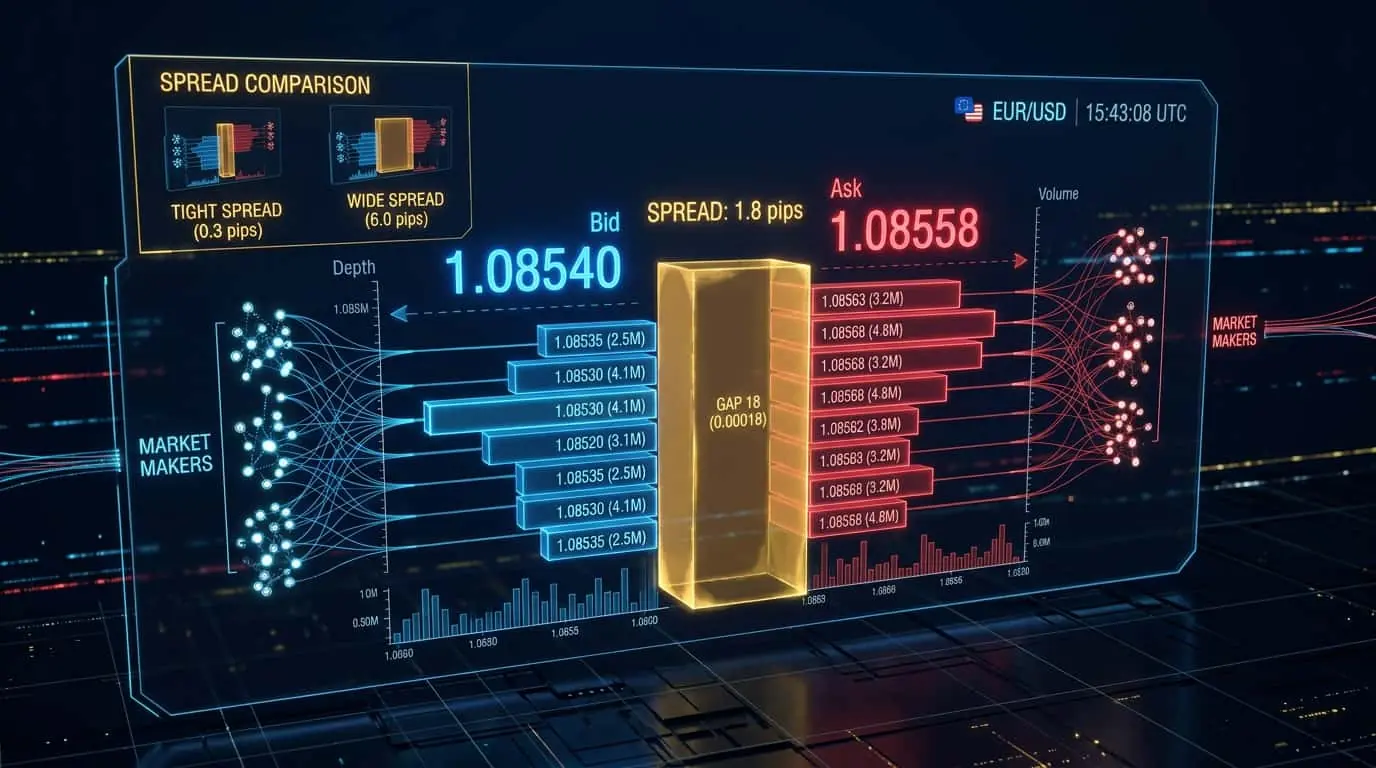
When you place a buy limit order at $50, the order sits in the order book at the $50 price level waiting for a counterparty. Your order will only fill if a seller is willing to sell at $50 or lower. If the market price drops to $50, the matching engine pairs your buy order with the available sell orders at that price. Your fill price will be $50 or better (lower), never higher. The same logic applies in reverse for sell limit orders. One important nuance is that limit orders at a given price are filled in the order they were received (FIFO: first in, first out). If there are already 500 contracts waiting at $50 when you place your order, all 500 must fill before yours. This is called queue position, and it matters in fast markets where the price may touch your level only briefly before reversing. To illustrate with a concrete futures example, suppose you want to buy 1 ES contract at 5180.00 and the current price is 5185.00. You place a buy limit at 5180.00. Your order joins the queue at that level, behind the 200 contracts already resting there. If price drops to 5180.00 and 250 contracts trade at that level, only the first 200 fill (the orders ahead of you), and your order would need 1 more contract to trade at 5180.00 to fill. If price only briefly taps 5180.00 and 180 contracts trade before reversing, you do not get filled at all. This queue dynamic is why many active scalpers who rely on limit order fills pay close attention to their queue position and sometimes cancel and re-enter orders at slightly worse prices to ensure fills.
Pro Tip
In NinjaTrader, you can quickly place limit orders by clicking directly on the price scale in Chart Trader or by clicking the bid/ask columns in the SuperDOM. This allows you to set precise entry levels at support, resistance, or Fibonacci levels without manual price entry.
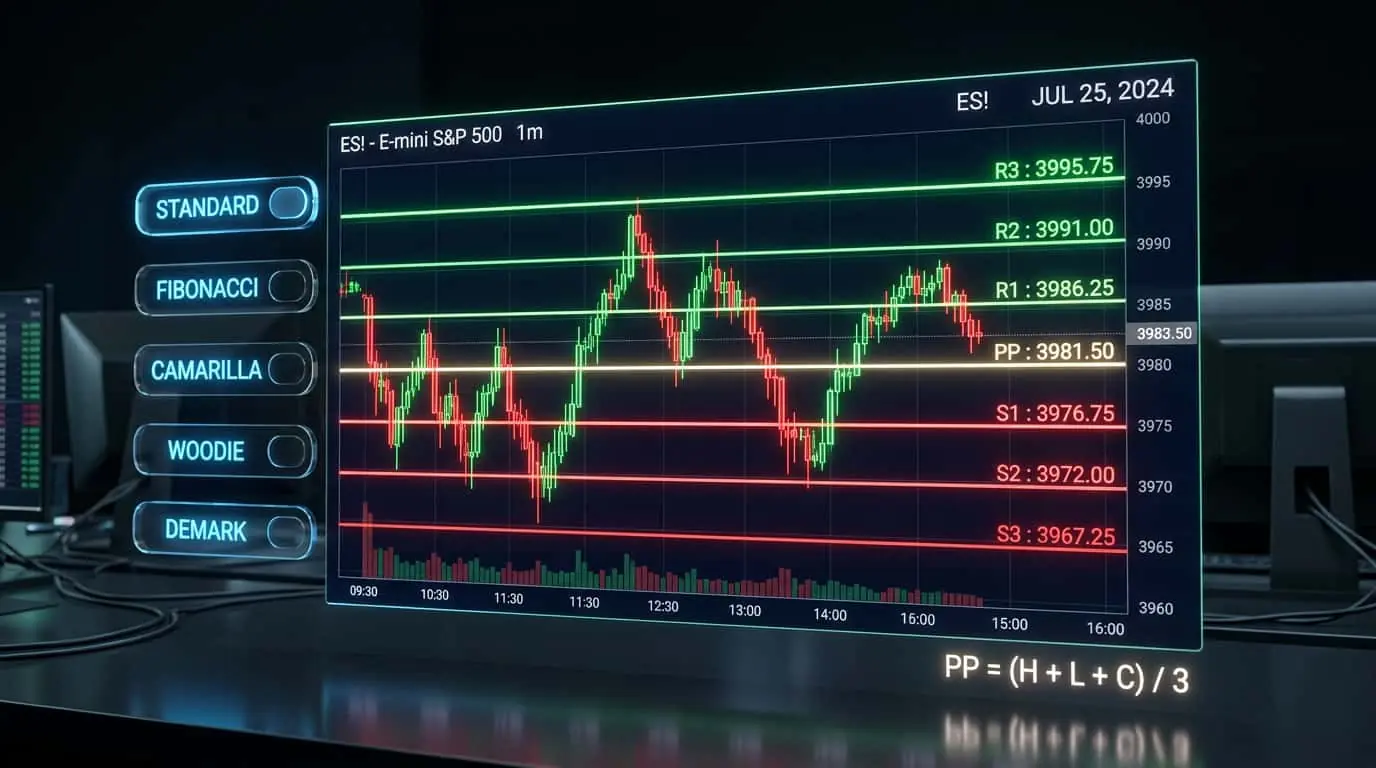
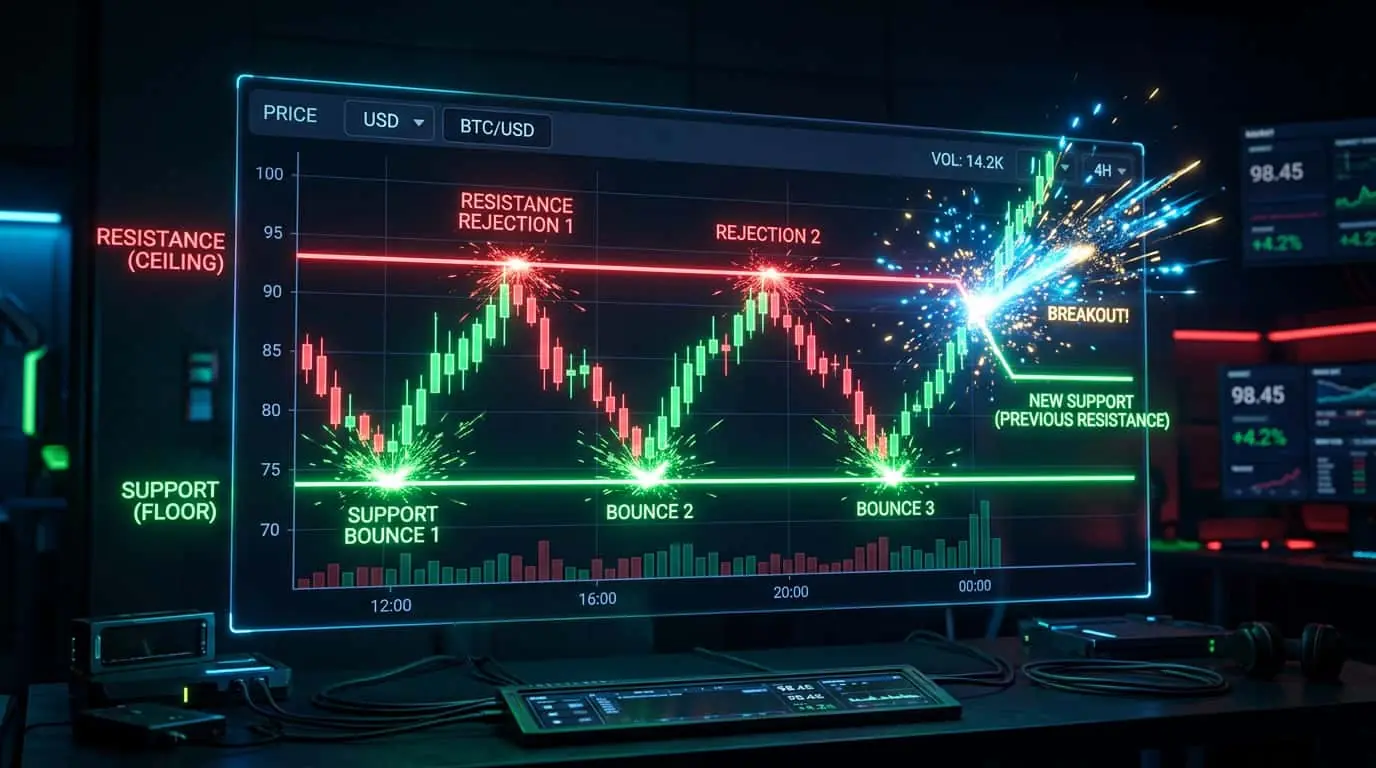
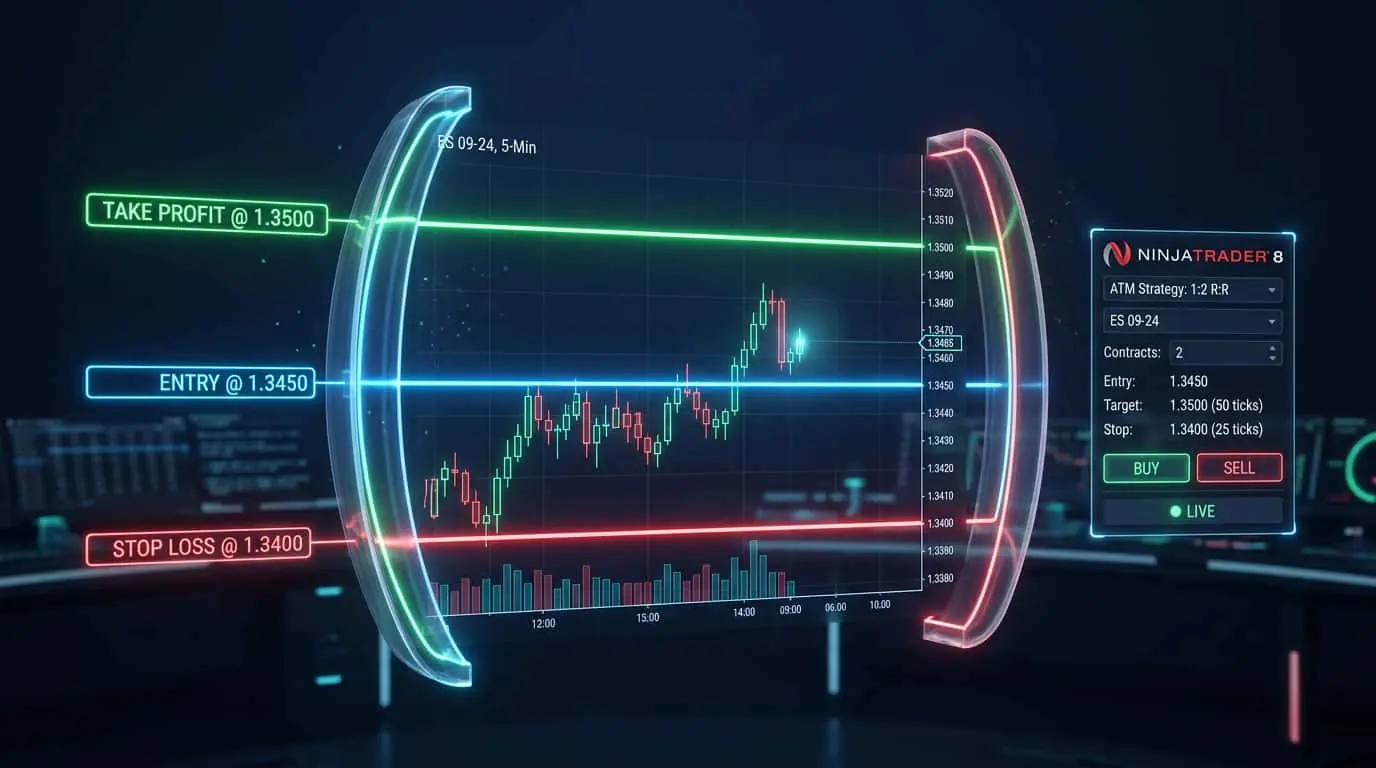
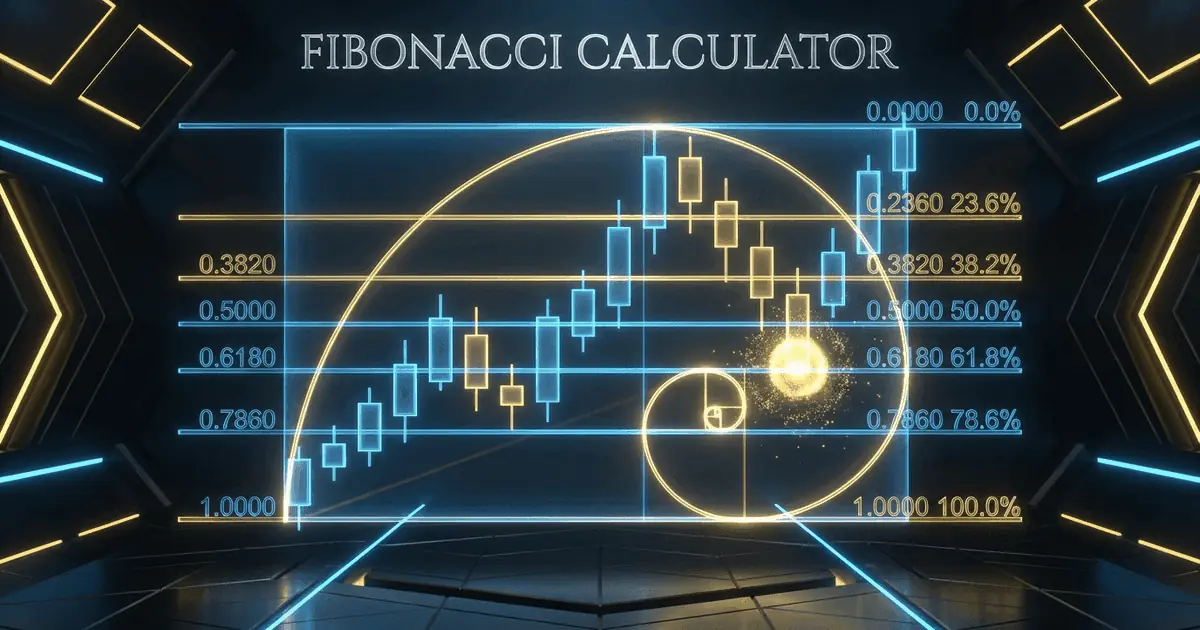
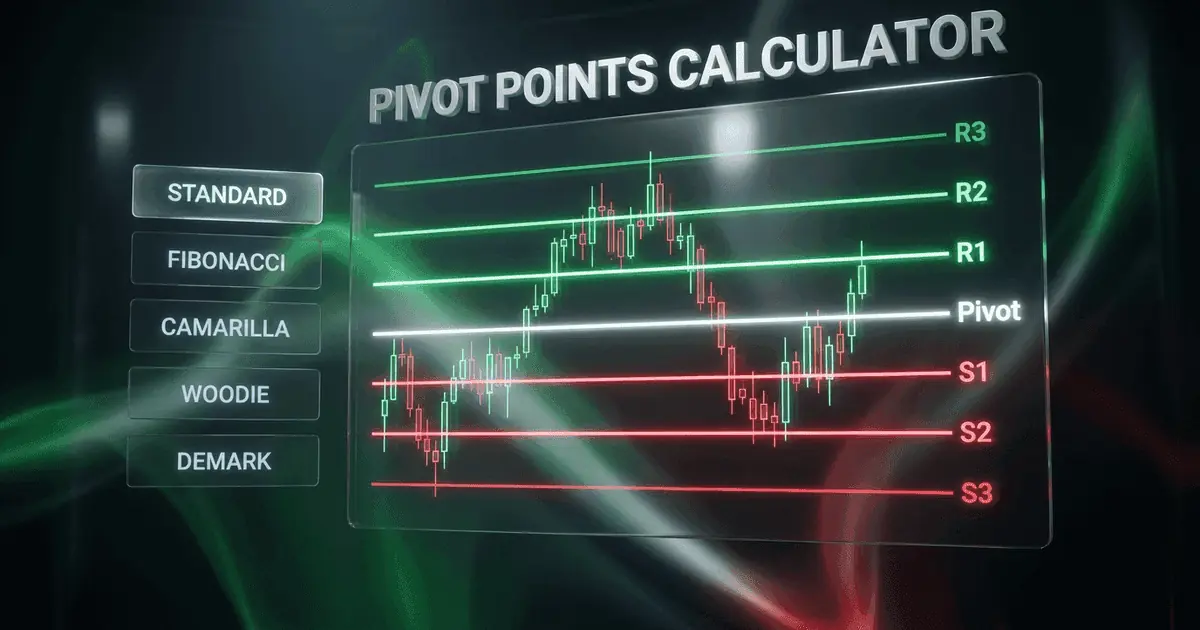
Limit orders are used for both trade entries and exits. For entries, traders place buy limit orders at predetermined support levels, Fibonacci retracement levels, or pivot point support levels, waiting for price to come to them rather than chasing the market. This approach is called passive entry and typically results in better fill prices than market orders. For exits, sell limit orders are placed at take-profit levels, allowing the position to close automatically when the target is reached. The combination of a limit entry order with a stop loss and take-profit target is the foundation of most trading plans. Many traders place limit orders during pre-market analysis and then let the market come to their levels, reducing the emotional pressure of making real-time entry decisions. Consider a real trade scenario on ES futures. A trader identifies support at 5150.00 based on the previous day's low and a confluence of the 50-period moving average. During the pre-market session, the trader places a buy limit at 5150.00 with a stop loss at 5142.00 (8 points risk, $400 per contract) and a take-profit target at 5166.00 (16 points reward, $800 per contract), giving a 1:2 risk-reward ratio. If the market opens at 5165.00 and dips to 5150.00 during the morning pullback, the limit fills automatically, the bracket engages, and the trader is in a well-managed trade without having to chase price or make real-time decisions under pressure.
| Use Case | Order Type | Placement | Purpose |
|---|---|---|---|
| Buy at support | Buy limit | At or below support level | Enter long at a favorable price |
| Sell at resistance | Sell limit | At or above resistance level | Enter short at a favorable price |
| Take profit (long) | Sell limit | At profit target price | Lock in gains automatically |
| Take profit (short) | Buy limit | At profit target price | Lock in gains automatically |
| Scale-in entry | Multiple buy limits | At progressively lower levels | Average into position at better prices |
NinjaTrader offers several efficient methods for placing and managing limit orders. The SuperDOM is the most popular interface for active limit order traders. In the SuperDOM, you can click the bid column at any price level to place a sell limit, or click the ask column to place a buy limit. Orders appear as colored markers on the price ladder, and you can drag them to adjust the price level in real time. The Chart Trader panel provides a visual alternative: right-click on the chart at any price level and select Place Limit Order, or enable the order entry mode to click directly on the chart. For NinjaScript strategy developers, limit orders are placed using the EnterLongLimit() and EnterShortLimit() methods, which accept price, quantity, and signal name parameters. NinjaTrader's ATM (Advanced Trade Management) strategies extend limit orders with automatic bracket attachment. When you place a limit entry with an ATM strategy selected, the stop loss and take profit are queued and automatically submitted the instant the limit entry fills. This eliminates the dangerous gap between entry fill and protective order placement that can occur with manual order management. Additionally, NinjaTrader supports modifying open limit orders without canceling and re-entering them, preserving order ID continuity and simplifying trade tracking in the Control Center.
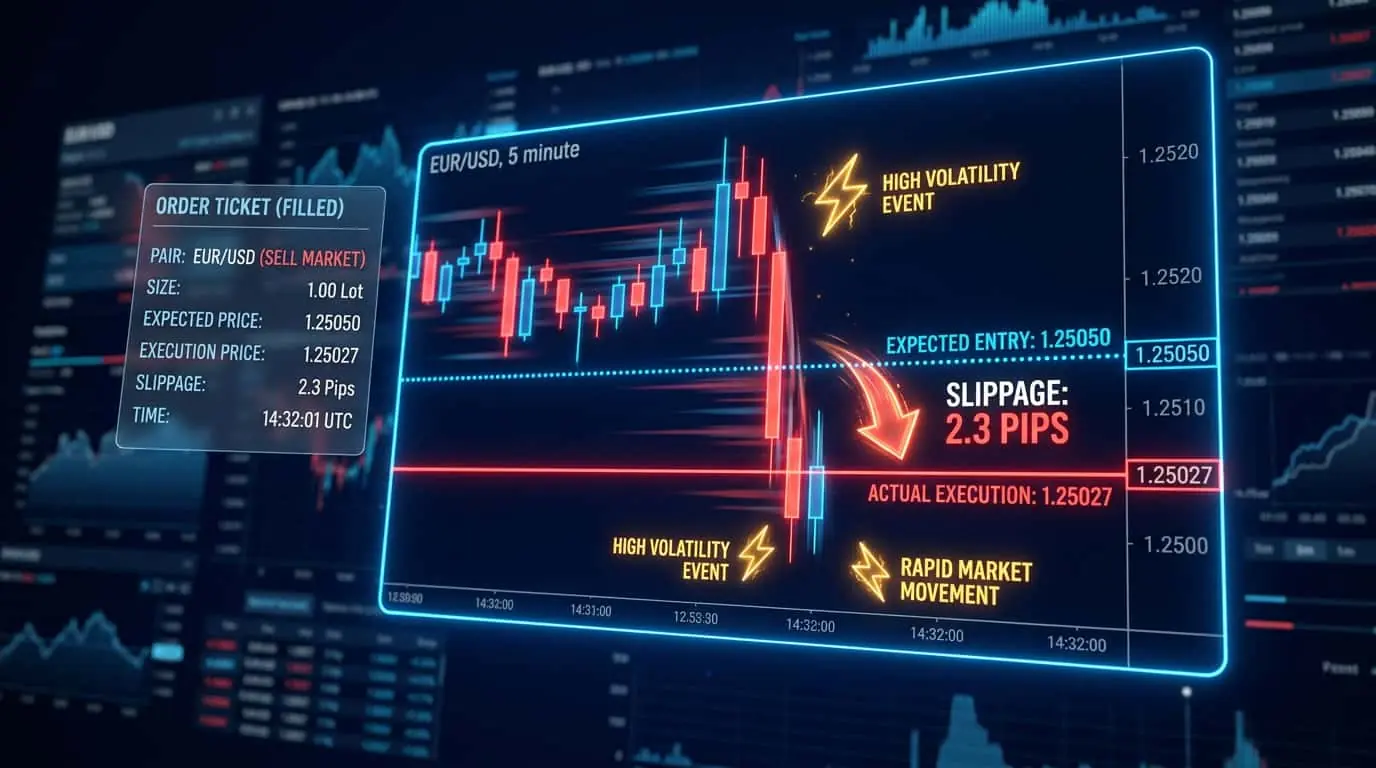
The primary advantage of limit orders is price control. You know exactly what price you will pay or receive, eliminating slippage. In active trading, the savings from avoiding slippage can be significant. A day trader placing 20 trades per day who saves 1 tick per trade in the ES futures saves $250 per day ($12.50 per tick x 20 trades). Over a month of 20 trading days, that is $5,000 in saved slippage costs. The primary disadvantage is the risk of not getting filled. If you place a buy limit at a support level and the market bounces 1 tick above your order, you miss the trade entirely. This opportunity cost can be psychologically difficult, especially if the missed trade would have been a big winner. Another disadvantage is that filled limit orders can indicate adverse selection, meaning your order filled because the market was moving through your level, not bouncing from it. Managing this risk requires careful level selection and additional confirmation criteria.
| Advantage | Disadvantage |
|---|---|
| Zero slippage: fill at your price or better | May not fill if market does not reach your level |
| Lower exchange fees on many venues (maker rebates) | Queue position risk: may be last in line at your price |
| Removes emotion: set-and-forget entries | Adverse selection: fills may indicate price is moving through your level |
| Enables precise risk-reward planning | Opportunity cost of missed trades can exceed slippage savings |
| Provides liquidity to the market | Requires more planning and analysis than market orders |
Time-in-force modifiers control how long a limit order remains active, and choosing the right duration is essential for different trading styles. DAY orders expire at the end of the current trading session and are the default for most day traders. If you place a buy limit at 5150.00 during the morning session and price never reaches that level, the order is automatically canceled at the session close. GTC (Good Till Canceled) orders remain active across multiple sessions until filled, canceled, or until the broker's maximum GTC duration is reached (often 90 days). Swing traders and position traders commonly use GTC limit orders because their entries may take days to trigger. IOC (Immediate or Cancel) limit orders fill whatever quantity is available at the limit price or better right now, then cancel any remaining unfilled quantity. This is useful when you want a limit price but do not want the order to sit in the book. FOK (Fill or Kill) requires the entire order to fill instantly at the limit price or be canceled completely. FOK is used when partial fills are unacceptable, such as when a strategy requires a specific position size to maintain proper risk management. GTD (Good Till Date) allows you to set a specific expiration date, which is useful for swing trades with a defined setup window. Understanding these variants allows you to match your order behavior precisely to your trading plan and timeframe.
| Duration | Behavior | Best For |
|---|---|---|
| DAY | Expires at session close | Day trading, intraday limit entries |
| GTC | Active until filled or canceled | Swing and position trading |
| IOC | Fill available now, cancel remainder | Partial fills acceptable, no resting order desired |
| FOK | All or nothing, instant | Full position required or no trade |
| GTD | Active until specified date | Swing setups with defined time windows |
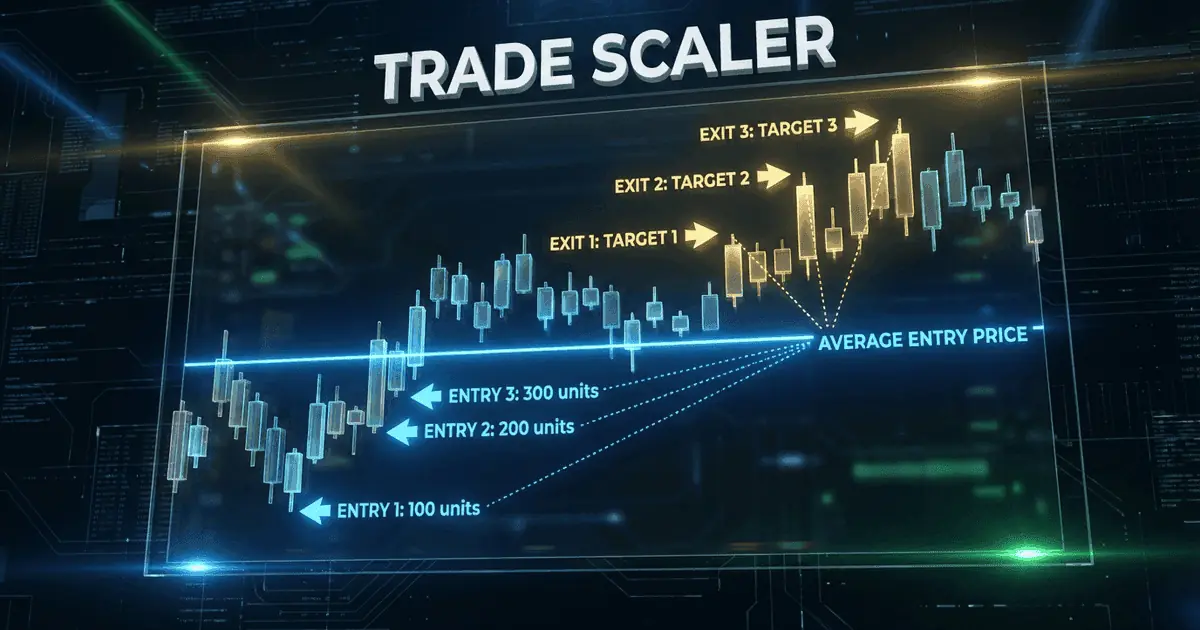
Several advanced strategies revolve around limit order placement. Layering involves placing multiple limit orders at progressively better prices to scale into a position. For example, buying 1 contract at each of three support levels rather than all 3 at the first level. This averages your entry price and increases the probability of at least a partial fill. Iceberg orders (available on some exchanges) display only a small portion of a large limit order to hide the true order size from other market participants. Understanding these advanced techniques helps you tailor your limit order behavior to your specific trading strategy. Another powerful technique is the limit order fade, where a trader places limit orders against the prevailing short-term momentum at key levels, expecting a mean reversion. For example, when ES futures spike 15 points on a news reaction, a fade trader might place a sell limit at the +12 point level, anticipating that the initial spike will retrace. This requires strong conviction in the level and tight risk management, as fading momentum can be dangerous if the move is sustained. Combining limit order fades with volume profile analysis (identifying high-volume nodes that act as magnets for price) increases the probability of successful fills and reversals.
Mistake
Placing limit orders too far from the current market price
Correction
Set limit orders at realistic levels based on technical analysis (support, resistance, Fibonacci). Limit orders placed at extreme levels may never fill, causing you to miss viable trading opportunities.
Mistake
Using limit orders for emergency exits or stop losses
Correction
Never use a limit order as a stop loss. If the market gaps through your limit price, the order will not fill, and your losses will continue to mount. Use stop orders or stop-market orders for risk management.