Utilities & Tools
TPI Pro
Premium Renko bar type with overlapping bricks and adjustable Trend Threshold for smoother, faster trend detection on NinjaTrader 8.
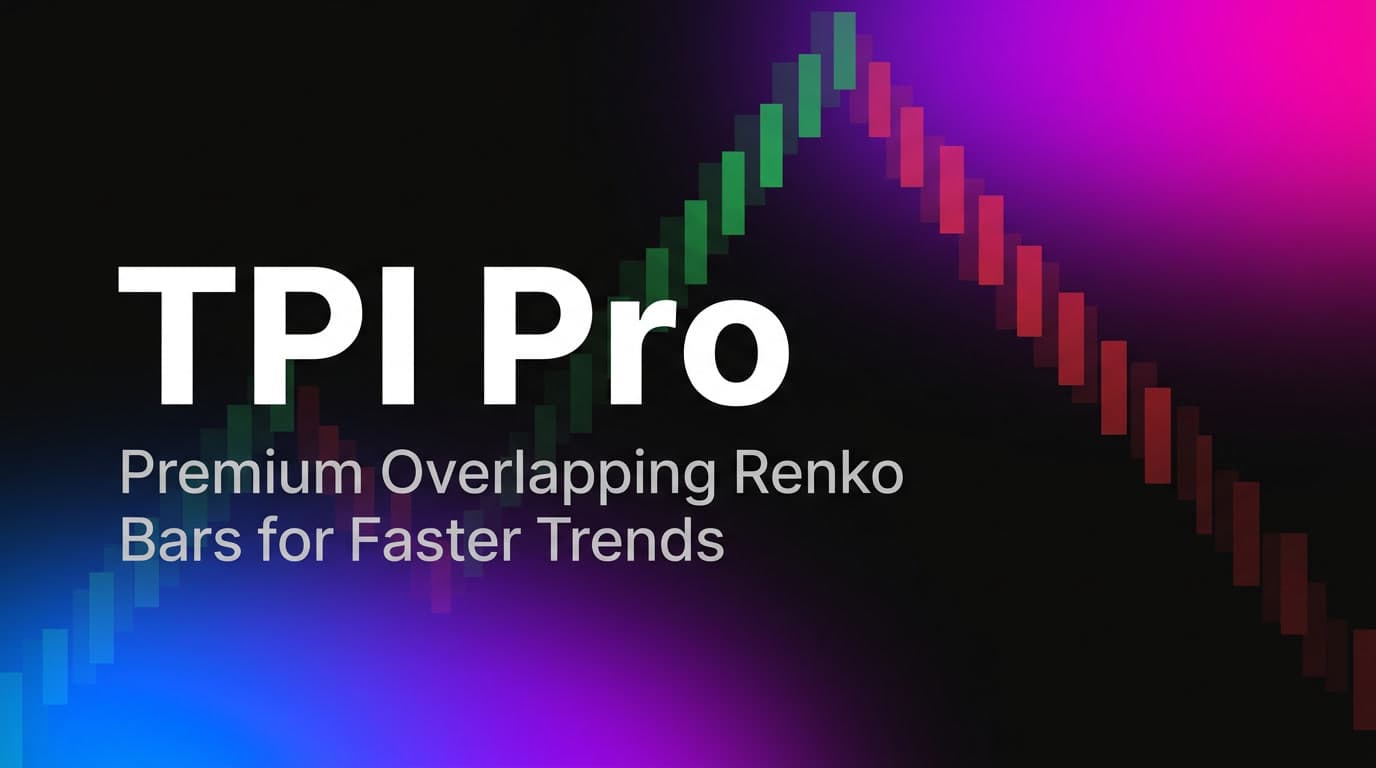
TPI Pro is a premium custom bar type for NinjaTrader 8 that creates advanced Renko-style candles with overlapping bricks, delivering smoother trend visualization and earlier signal detection compared to standard Renko charts. Built from the ground up as a high-performance BarsType plugin, TPI Pro installs directly into NinjaTrader's chart type selector and works seamlessly with every indicator, strategy, and drawing tool in the platform.
Standard Renko bars use a fixed brick size, and each new brick forms only after price moves the full brick size in one direction. This creates clean charts but introduces significant lag, especially with larger brick sizes. TPI Pro solves this with its dual-parameter engine: Brick Size controls the body height of each candle (in ticks), while Trend Threshold controls the step distance between consecutive bricks. When Trend Threshold is set lower than Brick Size, bricks overlap, creating a denser, more responsive chart that captures trends earlier without sacrificing the noise-filtering benefits of Renko.
For example, with a Brick Size of 15 ticks and a Trend Threshold of 5 ticks, each brick body spans 15 ticks but a new continuation brick forms after only 5 ticks of movement. This means bricks overlap by 10 ticks, and trend changes appear on your chart three times faster than with a standard 15-tick Renko. Reversal candles require 30 ticks (2x Brick Size) of counter-trend movement, ensuring that noise and minor retracements do not generate false reversals. Reversal bricks display wicks to show the full price excursion during the reversal, while continuation bricks remain clean with no wicks, making it easy to distinguish trend continuation from reversal at a glance.
Setting Trend Threshold to 0 converts TPI Pro into a standard Renko chart where the step equals the brick size and there is no overlap. This gives you the flexibility to use a single bar type for both traditional and enhanced Renko charting without switching between different chart types.
The brick formation engine handles all edge cases that other Renko implementations often get wrong. Gap bars are filled automatically when price jumps multiple steps in a single tick update, ensuring no price gaps appear on your chart. Session resets are handled cleanly when enabled, closing the previous session's forming bar and starting fresh. The recovery system restores trigger levels correctly after workspace reloads or NinjaTrader restarts, so your chart always rebuilds accurately without distortion.
Real price extremes are tracked during brick formation and displayed as wicks on completed bricks, giving you honest price information without compromising the clean structure of the Renko chart. The forming (live) bar updates in real time with actual high and low values, providing transparency into current price action before the next brick completes.
TPI Pro uses BarsPeriodType 1742 and builds from tick data for maximum precision. It is fully compatible with all NinjaTrader 8 indicators, strategies, market analyzers, and automated trading systems. Default settings are 15 ticks Brick Size with 5 ticks Trend Threshold, optimized for ES (E-mini S&P 500) futures, but the parameters are fully adjustable for any instrument and any trading style. Whether you trade index futures, crude oil, forex, or stocks, TPI Pro adapts to your market with two simple parameters.
What You Get
Every feature included. No upsells. No subscriptions.
Overlapping Renko bricks with independent Brick Size and Trend Threshold parameters
Faster trend detection: continuation bricks form after Trend Threshold ticks instead of full Brick Size
Reversal requires 2x Brick Size counter-movement, filtering out noise
Wicks on reversal candles only (continuation bricks are clean)
Real price extreme tracking during brick formation
Automatic gap bar filling for price jumps
Clean session reset handling
Workspace reload recovery (trigger levels restored automatically)
Trend Threshold = 0 mode for standard Renko behavior
Built from tick data for maximum precision
BarsPeriodType 1742 (unique, no conflicts)
Compatible with all NinjaTrader 8 indicators, strategies, and tools
Adjustable default values (Brick Size and Trend Threshold in ticks)
Works with any instrument: futures, stocks, forex, crypto
License-based activation with machine ID verification
Get TPI Pro
One-time payment, lifetime access
$197
per license — one-time payment
TPI Pro indicator
All features included
Lifetime updates
Email support
NinjaTrader 8 compatible
Instant download after purchase
Secure checkout
Lifetime updates
Maximize Your Trading Edge
Use our free professional tools alongside your indicators to optimize every trade.
View all 18 free tools →Frequently Asked Questions
Which platforms does this indicator work on?
Compatible with: NinjaTrader 8. Installation is simple and guided.
Is it suitable for beginners?
Absolutely! The indicator is designed to be intuitive. We also provide a complete video training to help you get started.
Are there any recurring fees?
No, this is a one-time payment. You own the indicator for life with all future updates included for free.
What is the sales policy?
All sales are final. By completing a purchase you acknowledge this policy. If you experience a technical issue, contact us at contact@theplanetindicator.com and we will resolve it at no additional cost.
How do I install the indicator?
After purchase, download the .cs file from your dashboard. In NinjaTrader 8, go to Tools > Import NinjaScript and select the file. Your license activates automatically.
What if I change computers?
Each license supports multiple machines based on your plan. Contact us for free license transfers to new machines.
Does it work in Market Replay?
Yes, all our indicators are fully compatible with NinjaTrader's Market Replay feature for backtesting.
Loading reviews...
Loading...Ready to Transform Your Trading?
Join the 0+ traders who have already chosen excellence
Instant setup
Lifetime updates
Premium support